Gemini image models, online
Gemini AI Image Generator: Create Images with Google’s Models
The same Gemini image models as the Gemini app, Nano Banana 2 and Nano Banana Pro, in a studio built for images.
This Gemini AI image generator runs Google’s Gemini image models, better known as Nano Banana, in your browser. Type a description or upload a photo, choose Nano Banana 2 for speed or Nano Banana Pro for the most detail, and download images up to 4K. Nano Banana AI is an independent studio that uses Google’s models through their API. It is not affiliated with or endorsed by Google.
Short answer
Gemini creates images with its Nano Banana models: Gemini 3.1 Flash Image (Nano Banana 2) by default, and Gemini 3 Pro Image (Nano Banana Pro) for paid Google AI subscribers. You can use them in the Gemini app, through Google’s API, or here, where they run next to GPT Image 2, Seedream and FLUX on one credit balance, at sizes up to 4K.
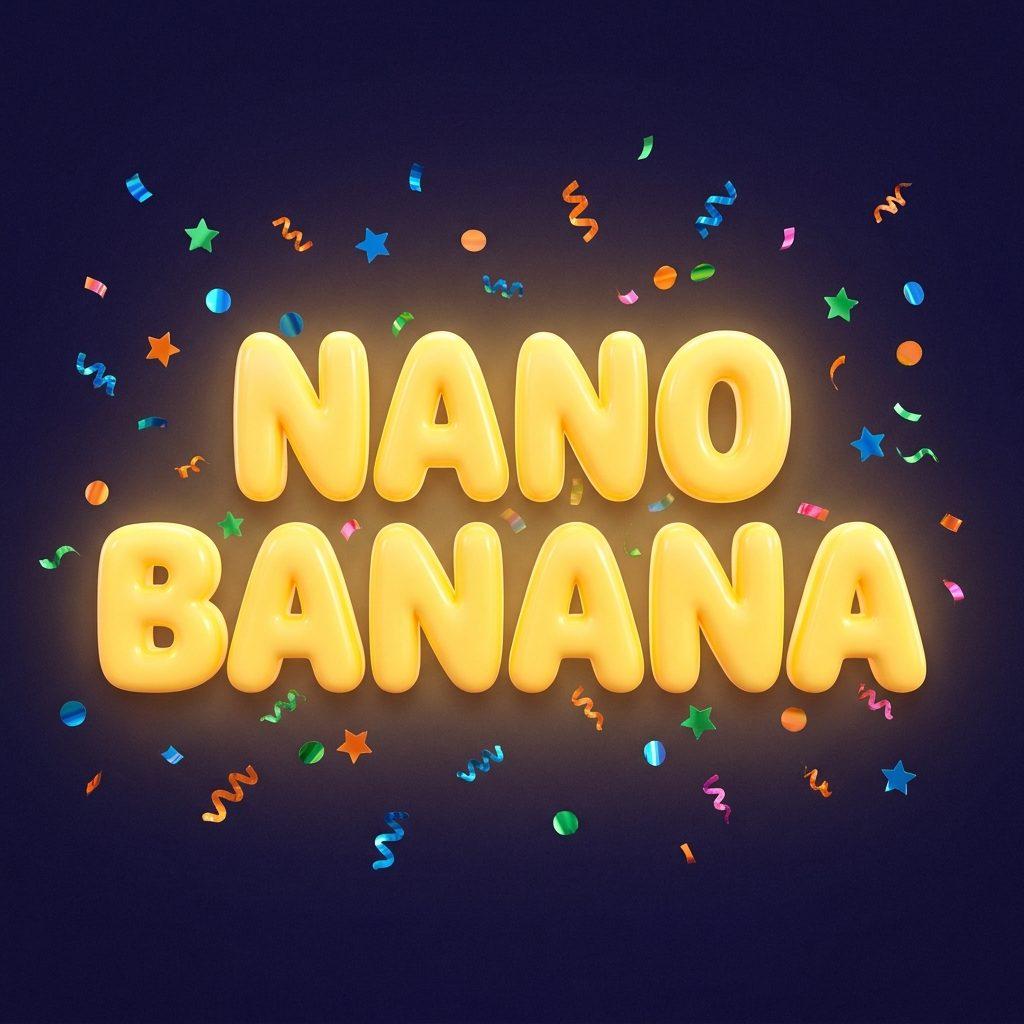
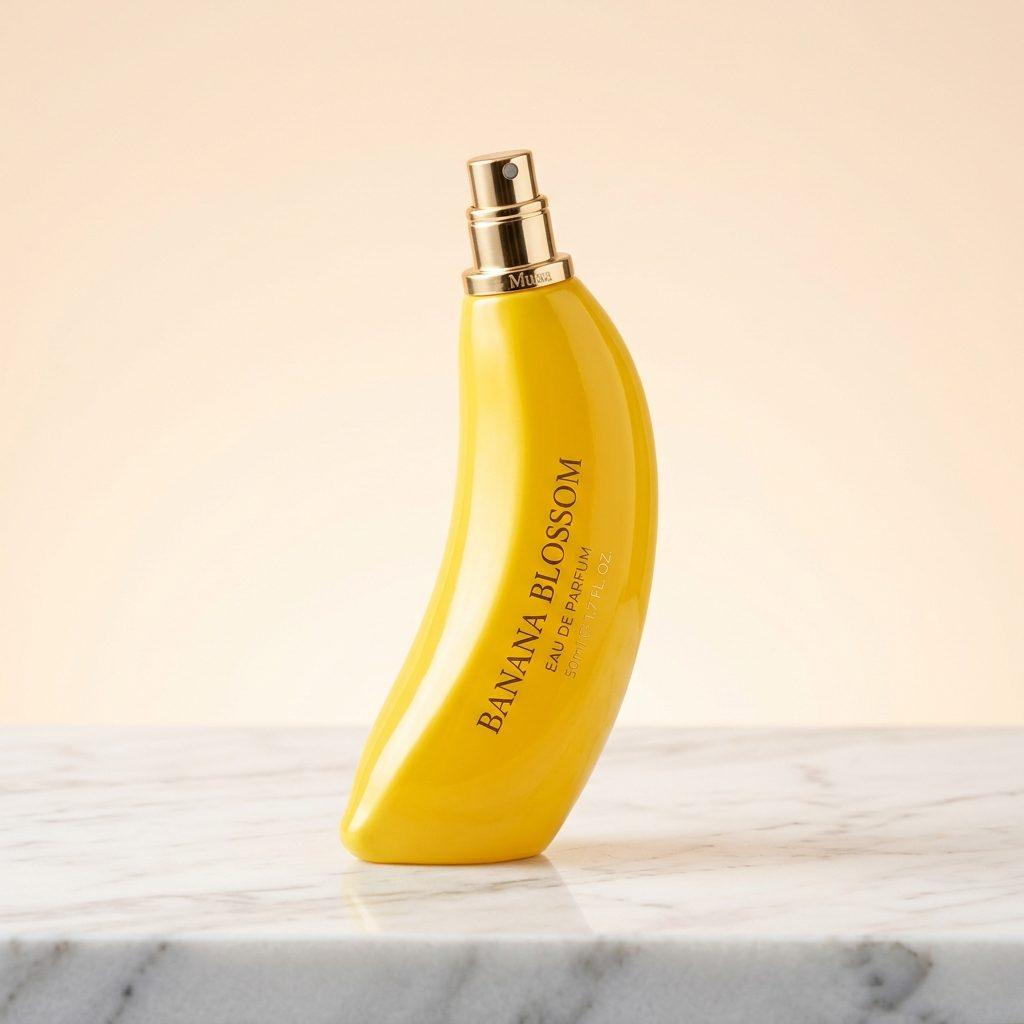
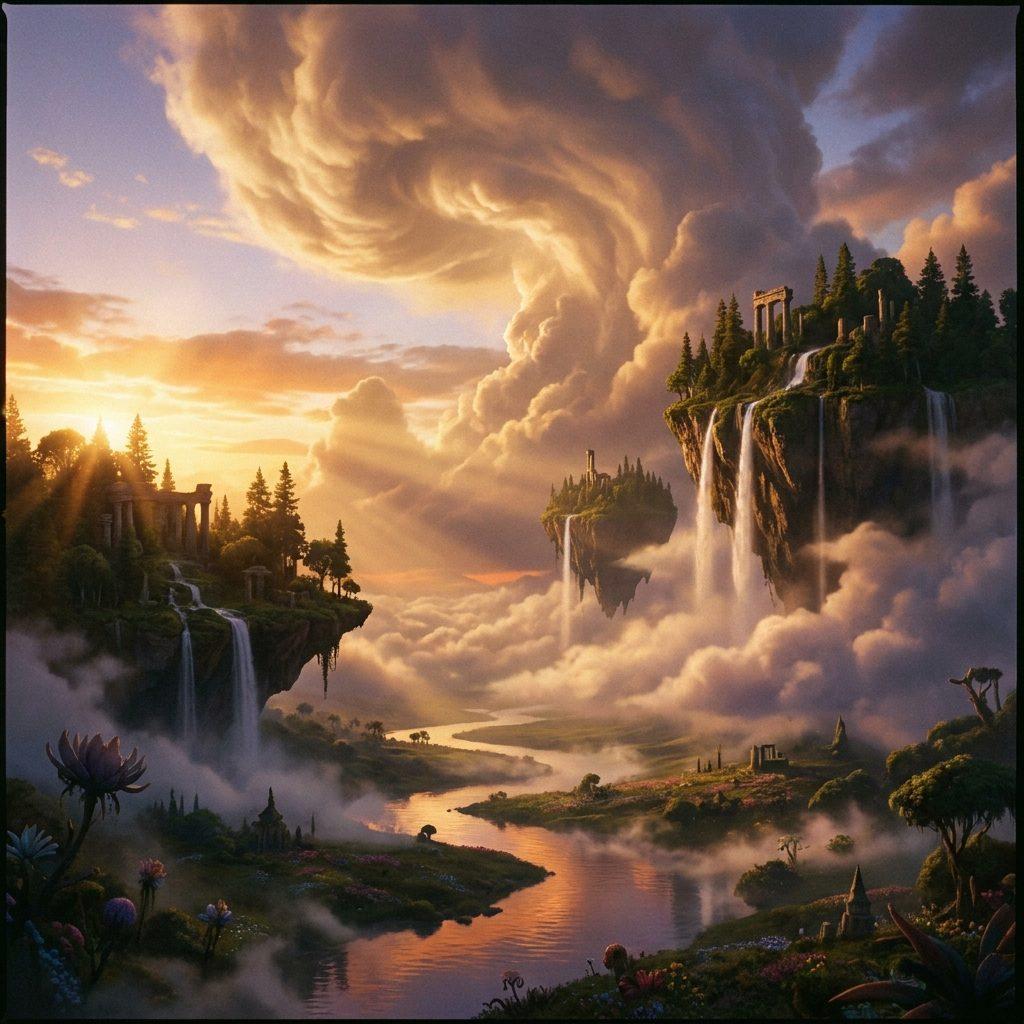
Images made with Gemini’s image models
Real, unedited outputs from Nano Banana 2 and Nano Banana Pro on our own account. Each caption is the exact prompt.

Which Gemini image model to use
All four are Google Gemini image models. Credits and plans come straight from our pricing configuration.
| Model | Engine | Max resolution | Credits from | Included from | Best for |
|---|---|---|---|---|---|
| Nano Banana | Gemini 2.5 Flash Image | 1K | 20 | Standard plan | Fast, everyday image generation and quick edits. |
| Nano Banana 2 Lite | Gemini 3.1 Flash-Lite Image | 1K | 20 | Standard plan | High-volume drafting, prompt testing, and fast 1K images on a budget. |
| Nano Banana 2 | Gemini 3.1 Flash Image | 4K | 40 | Premium plan | Creators who need high-resolution detail and reliable text without sacrificing speed. |
| Nano Banana Pro | Gemini 3 Pro Image | 4K | 90 | Pro plan | Professionals and agencies who need the highest-quality, print-ready AI images. |
The Gemini app vs this Gemini image generator
| Gemini app | Nano Banana AI | |
|---|---|---|
| Models | Nano Banana 2; redo with Nano Banana Pro on paid Google AI plans | Nano Banana, 2 Lite, 2 and Pro, plus GPT Image 2, Seedream, FLUX and more |
| Cost | Free within usage limits; Google AI plans raise them | Credit plans from $4.99/week |
| Download size | 1K free, 2K with a Google AI plan | Up to 4K on the Pro plan |
| Aspect ratios | Chosen by the model or asked for in the prompt | Picked directly: 1:1, 16:9, 9:16, 4:3, 3:4 and more |
| Visible watermark | Gemini mark by default (can be hidden on new images in most countries) | None added; Google’s invisible SynthID stays |
| Workflow | Inside a chat | Image studio with history, projects and side-by-side models |
Both use the same underlying models, so the choice is about limits, sizes and how you like to work. To use Gemini’s image generator for free, see Is Nano Banana free?
How to generate images with Gemini models here
- 1
Sign in
Create an account with Google or email in a few seconds.
- 2
Pick a Gemini model
Nano Banana 2 for most images, Nano Banana 2 Lite for cheap drafts, Nano Banana Pro for text-heavy or 4K finals.
- 3
Describe or upload
Write what you want in plain sentences, or attach up to 4 photos and describe the change.
- 4
Generate and refine
Download the result, or change the prompt and run it again until it is right.
What Gemini’s image models do well
- Editing your photos by instruction. Upload a picture and say what to change; the rest stays put. See the Gemini AI photo editor.
- Consistent people and products. The same face or product holds across a series of images.
- Text in images. Nano Banana 2 and especially Nano Banana Pro spell posters and labels correctly most of the time.
- Combining images. Put a person, an outfit and a place from separate photos into one shot.
Prompts for the Gemini image generator
Write full sentences: subject, setting, light, then camera or style. For example: “A ceramic coffee mug on a wooden table by a rainy window, soft morning light, shallow depth of field, editorial product photo.”
For ready-made ideas, browse the Nano Banana prompts library or the Gemini AI photo prompts for portraits and trends.
Frequently asked questions
Is there a Gemini image generator?
Yes. Gemini creates and edits images with Google’s Nano Banana models, in the Gemini app, through Google’s API and on platforms like Nano Banana AI.
Which model does Gemini use to generate images?
Gemini 3.1 Flash Image, called Nano Banana 2, is the default. Paid Google AI subscribers can redo images with Gemini 3 Pro Image, called Nano Banana Pro.
Is the Gemini AI image generator free?
In the Gemini app, yes, within usage limits. Google’s API charges per image, and Nano Banana AI uses credit plans.
Can Gemini generate images from my photos?
Yes. Upload a photo and describe the change, or combine several photos into one image. Here each Nano Banana model accepts up to 4 reference images.
Is this Google’s official Gemini site?
No. Nano Banana AI is an independent studio that uses Google’s Gemini image models through the API. Google’s own app is at gemini.google.com.
Explore more
Pricing
Choose the perfect plan to unlock more creativity with premium AI-powered image generation.
Standard
Perfect for creators and content makers
- 1,500 Credits per month
- High-quality AI image generation
- Text-to-image & image-to-image
- Premium templates library
- Priority support
Premium
For professionals and power creators
- 4,000 Credits per month
- Ultra high-quality generations
- Advanced AI models & styles
- Priority processing & support
- Commercial usage rights
Pro
Most advanced models for premium visuals
- 10,000 Credits per month
- All models incl. Nano Banana PRO
- All resolutions (1K, 2K & 4K)
- Premium-quality generation & smart edits
- Priority processing & support
Need more credits?
All plans include the option to purchase additional credit packs when you need extra generating power. Scale your creativity without limits.
Payments are securely processed by Stripe, our merchant of record. Subscriptions renew automatically at the listed price until you cancel; cancel anytime in your account settings. By continuing you agree to our Terms, Privacy Policy and Refund & Cancellation Policy. Need help? Contact support@nanobananai.ai.