Alibaba Qwen-Image-Edit
Qwen Image Edit — Instruction-Based Photo Editing
Alibaba’s dedicated editor: change objects, restyle scenes, and rewrite text inside an image from one instruction.
Qwen Image Edit is Alibaba’s dedicated image editing model, released in August 2025 as the editing variant of the 20B Qwen-Image foundation model. You upload one photo, describe the change, and it re-renders the image with that change applied. Its party trick is editing text inside images: swap the words on a poster or label while keeping the original font and layout. Each edit costs 35 credits on Premium and Pro plans.
What is Qwen Image Edit?
Qwen Image Edit extends the original Qwen-Image model (20 billion parameters, released August 2025) into a specialized editor. It handles two kinds of changes: semantic edits that alter content, like removing an object or changing a pose, and appearance edits that alter style, like relighting a scene or converting a photo to watercolor.
Text editing is where it stands apart. Because the underlying Qwen-Image model leads on typography, the editor can change the words inside an existing image, in English or Chinese, while preserving the font, size, and placement of the original. Very few models do this credibly.
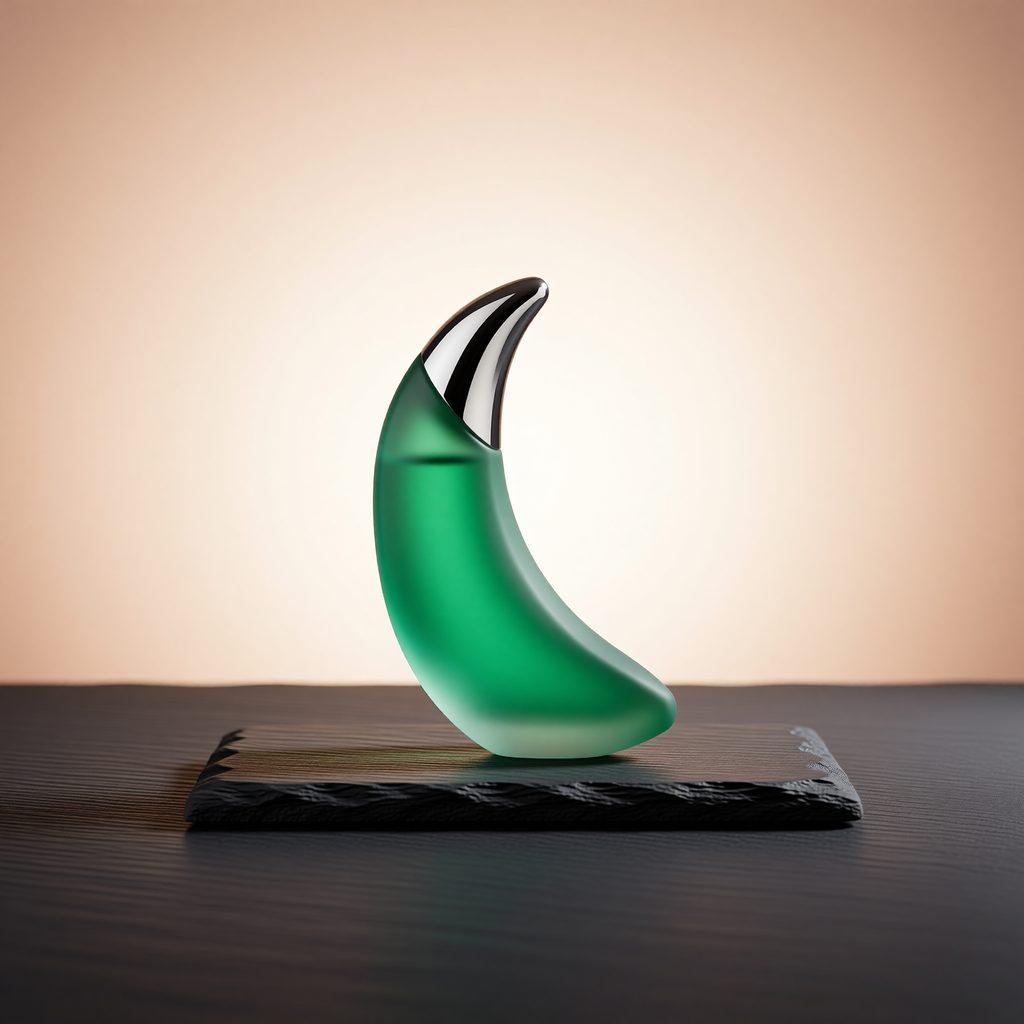
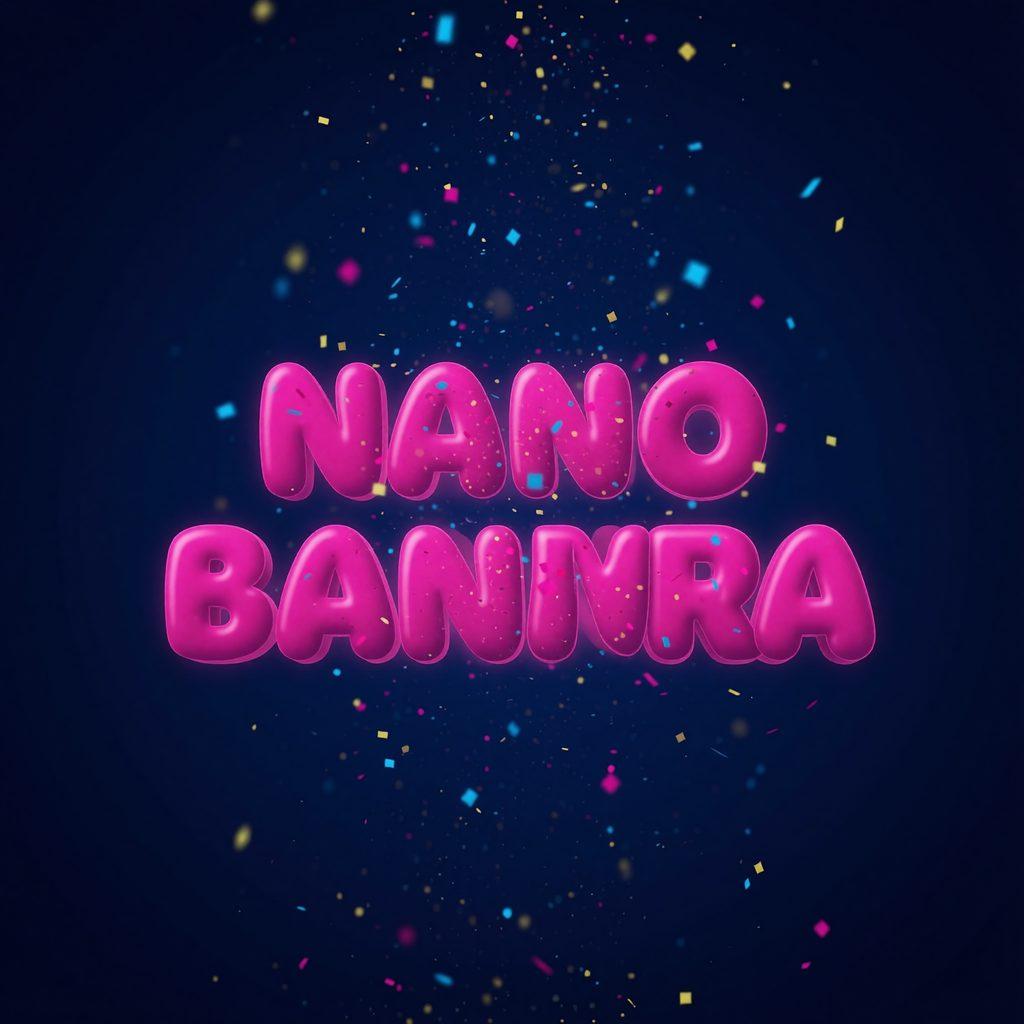
This is an edit-only model: it always needs exactly one input image and does not generate from a blank canvas. On this page, all four gallery images are real Qwen Image Edit outputs, each produced from a Nano Banana source photo with the caption as the instruction.
For most new work, Qwen Image 2.0 (the newer unified model, 30 credits at 2K) is the better default. Qwen Image Edit stays in the catalog for its text-editing specialty and its focused edit behavior at 1K.
Qwen Image Edit features
Edits text inside images
Rewrite the words on a poster, sign, or label while the font and layout carry over. The model’s signature capability.
Semantic and appearance edits
Remove objects, change poses, restyle to watercolor, or relight the scene, all from one plain instruction.
Focused edit-only behavior
Purpose-built for editing: the input photo anchors the output, so composition and identity survive the change.
Bilingual instructions and text
Works with English and Chinese, both in the instruction and in the text it renders into the image.
Qwen Image Edit examples with prompts
Real edits made with Qwen Image Edit. Each caption is the exact instruction; the source photos were generated with Nano Banana.


How to use Qwen Image Edit
- 1
Pick Premium or Pro
Qwen Image Edit is on Premium ($19.99/month) and Pro ($29.99/month) at 35 credits per edit.
- 2
Select Qwen Image Edit and upload a photo
Open Create, choose Qwen Image Edit, and attach the one image to edit. The model requires it.
- 3
Write the instruction
Name the exact change: the object, the style, or the text to replace and what it should say.
- 4
Iterate
Each edit is a fresh 35-credit generation, so refine in single clear steps.
Qwen Image Edit specifications
| Developer | Alibaba (Qwen team) |
|---|---|
| Released | August 2025 |
| Base model | Qwen-Image (20B parameters) |
| Modes | Image editing only — requires exactly one input photo |
| Strengths | In-image text editing, semantic edits, style edits |
| Resolutions & credits | 35 credits (1K) |
| Aspect ratios | 1:1, 16:9, 9:16, 4:3, 3:4 |
| Reference images | Up to 1 |
| Included in plans | Premium, Pro |
Qwen Image Edit pricing: credits and images per month
Every plan uses one credit balance across all models. This is what Qwen Image Edit costs on each plan that includes it.
| Plan | Monthly credits | Credits per image | ≈ Qwen Image Edit images / month |
|---|---|---|---|
| Premium ($19.99/mo) | 4,000 | 35 (1K) | up to 114 |
| Pro ($29.99/mo) | 10,000 | 35 (1K) | up to 285 |
Qwen Image Edit vs similar models
| Model | Engine | Max resolution | Credits from | Best for |
|---|---|---|---|---|
| Qwen Image Edit | Alibaba Qwen-Image-Edit | 1K | 35 | Editing existing photos, especially rewriting text inside an image. |
| Qwen Image 2.0 | Alibaba Qwen-Image-2.0 | 2K | 30 | Native-2K images and dense typography at a flat 30 credits. |
| FLUX.1 Kontext | Black Forest Labs FLUX.1 Kontext | 2K | 25 | Editing existing photos with plain instructions, fast, on every plan. |
| Nano Banana | Gemini 2.5 Flash Image | 1K | 20 | Fast, everyday image generation and quick edits. |
What Qwen Image Edit is best at
Poster and label rewording
Change the copy on an existing design without touching the layout or font.
Object removal and swaps
Semantic edits that remove or replace elements while the scene stays coherent.
Style conversion
Photo to watercolor, day to night, relighting: appearance edits from one sentence.
Localization
Swap English text for Chinese (or the reverse) in product shots and marketing images.
Qwen Image Edit FAQ
What is Qwen Image Edit?
Qwen Image Edit is Alibaba’s dedicated image editing model from August 2025, built on the 20B Qwen-Image foundation. It edits an existing photo from a plain-language instruction, including changing text inside the image. On Nano Banana AI it costs 35 credits per edit.
Can Qwen Image Edit change text inside an image?
Yes, that is its standout skill. It can replace the words on a poster, packaging, or sign while keeping the original font, size, and placement, in English or Chinese.
Can Qwen Image Edit generate images from scratch?
No. It is edit-only and always needs one input photo. To generate from text, use Qwen Image 2.0 or any other model in the catalog.
Is Qwen Image Edit free?
No. Nano Banana AI has no free tier. Qwen Image Edit is on Premium ($19.99/month, about 114 edits) and Pro ($29.99/month, about 285 edits) at 35 credits per edit.
Qwen Image Edit vs FLUX.1 Kontext: which editor should I use?
Kontext (25 credits, on every plan) is the faster general-purpose editor. Qwen Image Edit (35 credits, Premium+) wins when the edit involves text inside the image, or when you want the Qwen line’s semantic edit style. Many users keep both: Kontext for objects and backgrounds, Qwen for words.
Qwen Image Edit vs Qwen Image 2.0: what is the difference?
Qwen Image 2.0 is the newer unified model that both generates and edits at 2K for 30 credits. Qwen Image Edit is the previous generation’s dedicated 1K editor at 35 credits, kept for its text-editing specialty.
How many photos can I edit at once?
One per edit. The model takes exactly one input image and one instruction per generation.
What resolution do edits come out at?
1K. If the final asset needs to be larger, run the finished edit through Topaz Upscale (2x or 4x).
Explore more
Pricing
Choose the perfect plan to unlock more creativity with premium AI-powered image generation.
Standard
Perfect for creators and content makers
- 1,500 Credits per month
- High-quality AI image generation
- Text-to-image & image-to-image
- Premium templates library
- Priority support
Premium
For professionals and power creators
- 4,000 Credits per month
- Ultra high-quality generations
- Advanced AI models & styles
- Priority processing & support
- Commercial usage rights
Pro
Most advanced models for premium visuals
- 10,000 Credits per month
- All models incl. Nano Banana PRO
- All resolutions (1K, 2K & 4K)
- Premium-quality generation & smart edits
- Priority processing & support
Need more credits?
All plans include the option to purchase additional credit packs when you need extra generating power. Scale your creativity without limits.
Payments are securely processed by Stripe, our merchant of record. Subscriptions renew automatically at the listed price until you cancel; cancel anytime in your account settings. By continuing you agree to our Terms, Privacy Policy and Refund & Cancellation Policy. Need help? Contact support@nanobananai.ai.