Portraits & people
AI Face Swap: put a face into another photo convincingly
Swap a face between two photos with lighting and angles matched automatically.
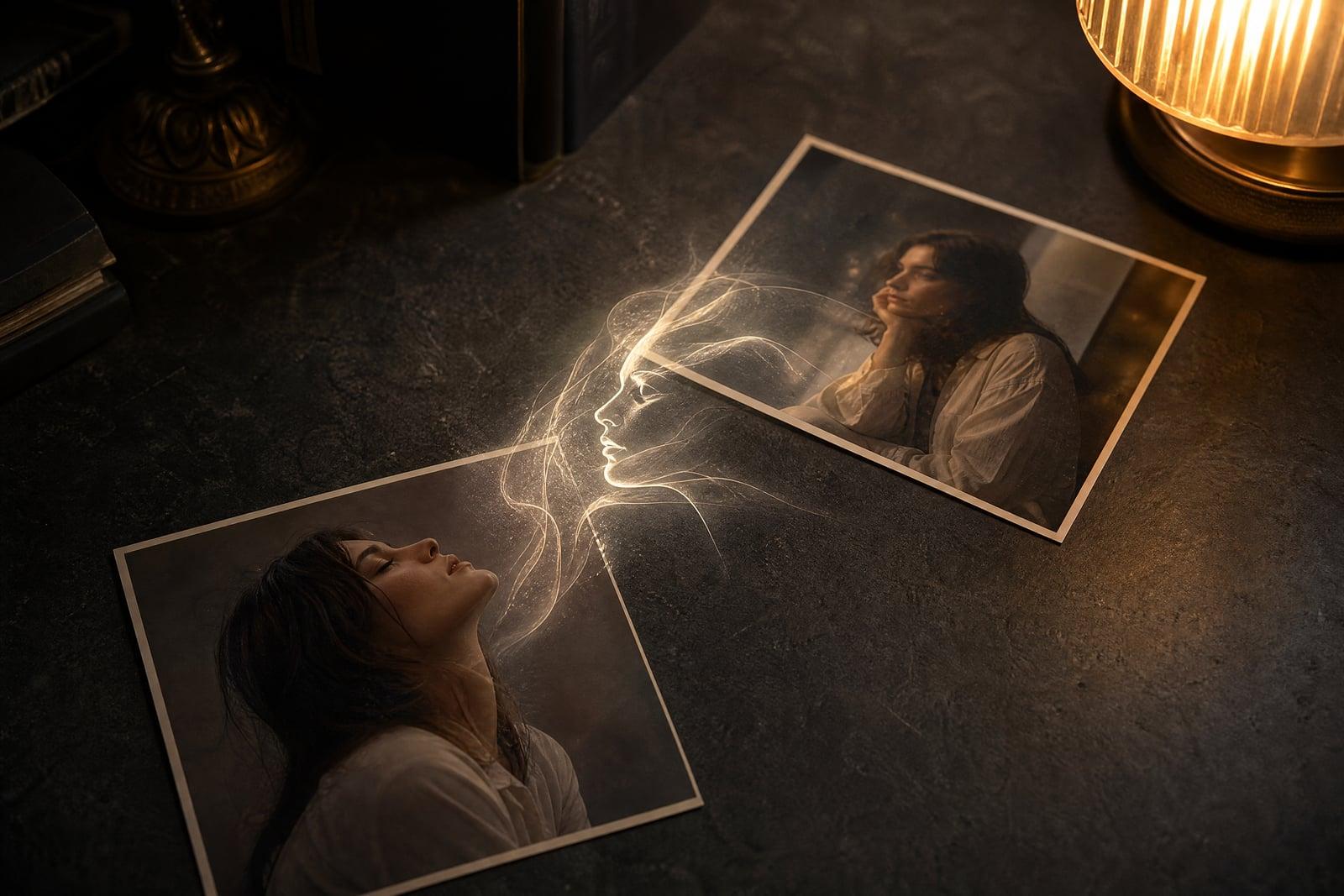
The AI Face Swap takes two photos: one with the face you want to use and one with the scene you want it in. Upload both, generate, and the tool places the face into the target photo while matching lighting, head angle and skin tone. The result lands in your library ready to download, and rerunning with a different target takes moments.
What is the AI Face Swap?
Face swapping here is a two-upload job. The first slot takes a clear photo of the face, the second takes the target photo where that face should appear. The generator does the blending: it aligns the head position, adapts the expression to fit the scene, and grades color so the swapped face sits in the same light as everything around it.
Manual face swaps fail on the boundaries. Skin tone shifts at the jawline, light comes from the wrong side, and the pasted face floats at a slightly wrong angle. Those are exactly the parts the tool computes for you, which is why the output looks like one photograph instead of a collage. It works with your own faces and photos you have permission to use.
AI Face Swap features
Lighting that matches
The swapped face inherits the direction, warmth and softness of light in the target photo. A face shot indoors can land believably in a sunset beach picture without the telltale flat look.
Angle and expression fit
The tool rotates and adapts the face to the target head position, so a straight-on selfie can be swapped into a three-quarter pose. Expressions adjust enough to suit the scene naturally.
Clean edges, no halo
Blending covers hairline, jaw and neck, the zones where cheap swaps break down. Skin tone is graded across the seam so nobody spots a boundary when zooming in on the jawline.
Fast enough to experiment
Each swap takes moments, so trying a face across four different target photos is a five-minute session. Every result is saved separately in your library for comparison.
How to use the AI Face Swap
- 1
Upload the face photo
Add a sharp, well-lit photo of the face you want to use, ideally facing the camera with nothing covering it. This is the identity the swap preserves.
- 2
Upload the target photo
Add the photo the face should go into. Swaps work best when the target head is a similar size in frame and not turned fully sideways.
- 3
Generate the swap
Run the swap and the tool aligns, blends and color-grades the face into the target scene. The finished image appears in your library.
- 4
Check and rerun
Zoom into the jawline and hairline. If something feels off, rerun the swap or try a different face photo with a closer angle to the target.
AI Face Swap details
| Best for | People fixing group shots or making consented photo gags |
|---|---|
| Category | Portraits & people |
| Powered by | Nano Banana (Google) |
| Credits per image | 20 credits at 1K |
| Photos you upload | Face photo, Target photo |
| Aspect ratios | 1:1, 3:4, 4:3 |
| Adjustable options | None, one-click result |
| Included in plans | Standard, Premium, Pro |
What people make with the AI Face Swap
Rescue the group photo
One person blinked in the only shot where everyone else looks great. Swap their face in from the frame taken two seconds earlier and the family photo is saved.
Movie-poster gags
Put your best friend into your own staged action shot for a birthday card. Consenting friends and your own photos make the funniest and safest material.
Costume previews
Cosplayers can swap their face onto their own reference photos in different wigs and outfits to judge a look before spending on the full costume build.
Consistent character shots
Indie authors and DMs who use a model photo for a character can swap in the same face across scenes, keeping one recognizable protagonist through a whole storyboard.
AI Face Swap FAQ
How does the AI Face Swap keep results looking real?
It aligns the face to the target head angle, adapts the expression, then grades lighting and skin tone across the blend so there is no visible seam. Those three steps, angle, light and color, are where manual swaps usually fail and where the tool does its work.
Whose faces am I allowed to swap?
Your own face, and faces of people who have given you permission. Do not swap celebrities, strangers or anyone without consent, and do not use swaps to mislead people. The fun use cases, fixing group photos and joke gifts among friends, all pass that test easily.
What makes a good pair of photos?
A sharp, front-lit face photo and a target where the head is roughly similar in size and angle. Extreme profiles, tiny faces in wide shots and heavy motion blur lower the quality. If a swap struggles, cropping the target closer usually helps.
Can I use face swap results commercially?
Images you generate are yours to use, including commercially, provided you have rights to both source photos and the consent of the people in them. For client or ad work, get that consent in writing like you would for any model photo.
Are the photos I upload kept private?
Yes. Both uploads are used to generate your swap and are stored in your private library with the result. You can delete any of them at any time, and nothing you make is shared publicly.
Related tools
Pricing
Choose the perfect plan to unlock more creativity with premium AI-powered image generation.
Standard
Perfect for creators and content makers
- 1,500 Credits per month
- High-quality AI image generation
- Text-to-image & image-to-image
- Premium templates library
- Priority support
Premium
For professionals and power creators
- 4,000 Credits per month
- Ultra high-quality generations
- Advanced AI models & styles
- Priority processing & support
- Commercial usage rights
Pro
Most advanced models for premium visuals
- 10,000 Credits per month
- All models incl. Nano Banana PRO
- All resolutions (1K, 2K & 4K)
- Premium-quality generation & smart edits
- Priority processing & support
Need more credits?
All plans include the option to purchase additional credit packs when you need extra generating power. Scale your creativity without limits.
Payments are securely processed by Stripe, our merchant of record. Subscriptions renew automatically at the listed price until you cancel; cancel anytime in your account settings. By continuing you agree to our Terms, Privacy Policy and Refund & Cancellation Policy. Need help? Contact support@nanobananai.ai.