OpenAI GPT Image 2
GPT Image 2 — AI Image Generator Online
OpenAI’s newest image model: text that reads correctly, layouts that follow the prompt, and output up to 4K.
GPT Image 2 is OpenAI’s newest image generation model, released in April 2026 as the engine behind ChatGPT Images 2.0. You can use GPT Image 2 here without a ChatGPT subscription: type a prompt, pick one of eight aspect ratios and a resolution up to 4K, and generate. The model reads long prompts carefully, spells in-image text correctly, and edits your own photos when you attach up to four reference images.
What is GPT Image 2?
GPT Image 2 (API id gpt-image-2) is the successor to GPT Image 1 and GPT Image 1.5. OpenAI released it on April 21, 2026, together with ChatGPT Images 2.0. It is the first OpenAI image model that plans before it paints: it reasons about layout, spelling, and composition before rendering, which is why dense text, diagrams, and UI mockups come out legible instead of garbled.
Text is the headline improvement. OpenAI reports rendering accuracy above 99 percent on text benchmarks, against roughly 60 percent for DALL·E 3. In practice that covers multi-line posters, product labels, small captions, and non-Latin scripts, which older image models reliably mangled.
On Nano Banana AI, GPT Image 2 runs at 1K, 2K, and 4K with eight aspect ratios, from square to 21:9 ultrawide. Attach up to four reference images and it switches to its image-to-image mode for edits, restyles, and product variations. One quirk to know: the model cannot produce a 4K square, so 4K generations need any ratio other than 1:1.
At 30 credits for a 1K image it sits in the middle of our catalog: more than Nano Banana or Grok Imagine at 20, less than Nano Banana Pro at 90. Choose it when the image contains words, when a layout has to match the prompt exactly, or when you want 4K detail from an OpenAI model.
GPT Image 2 features
Text that reads correctly
Posters, labels, menus, and UI copy render with the right spelling, including small type and non-English scripts. This is the model’s strongest suit.
Reasoning before rendering
GPT Image 2 plans the image structure before generating, so complex prompts with several constraints land in one pass instead of five retries.
4K output and 8 aspect ratios
From 1:1 squares to 21:9 ultrawide banners at up to 4K. The only blocked combination is 4K at 1:1.
Photo editing with references
Attach up to four reference images to edit, restyle, or extend a photo. The prompt describes the change; the model keeps everything else intact.
GPT Image 2 examples with prompts
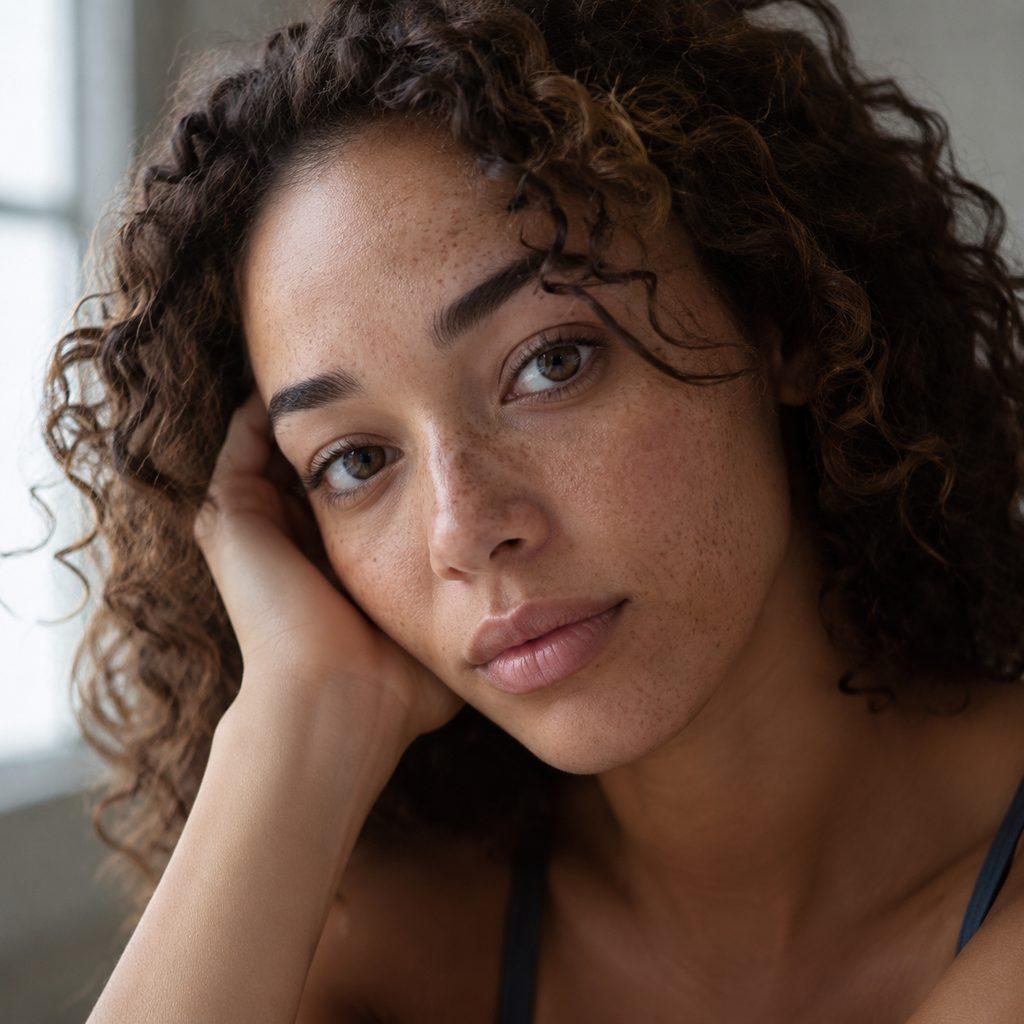
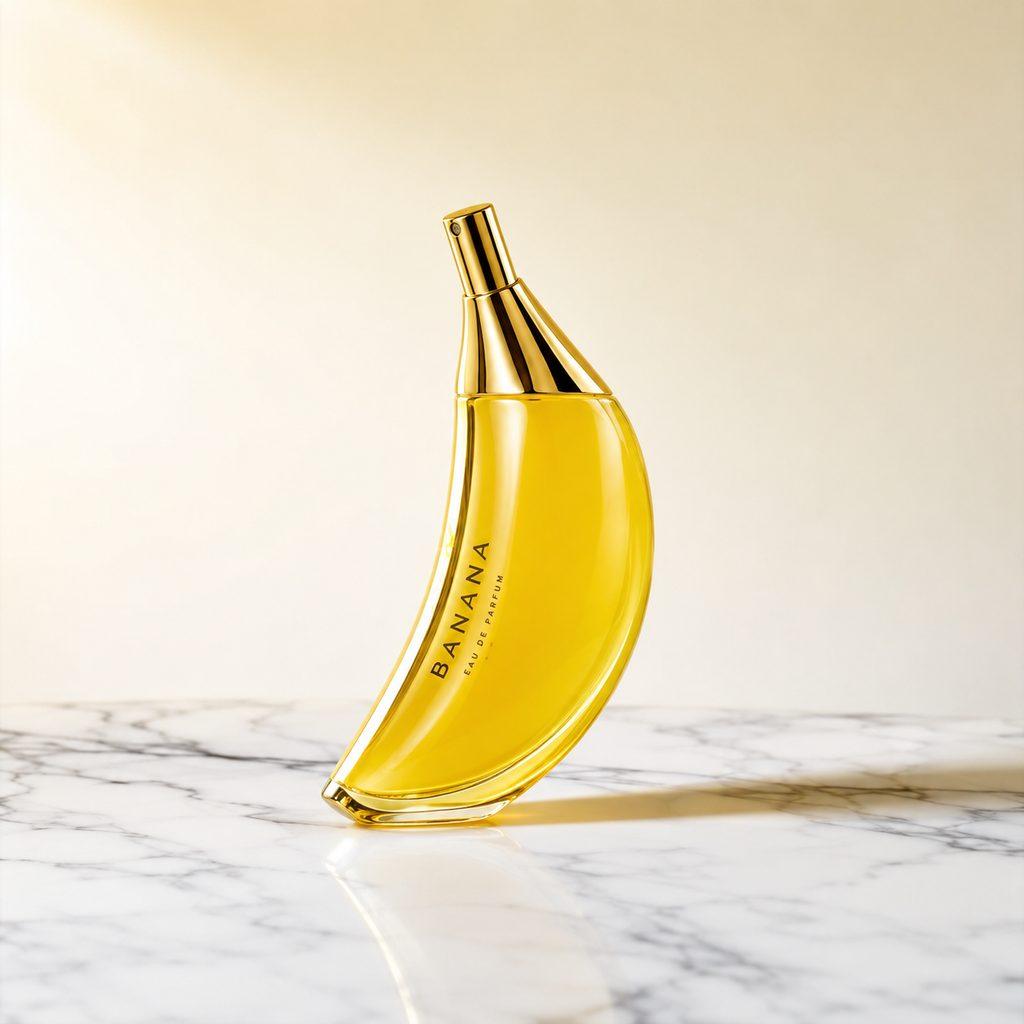
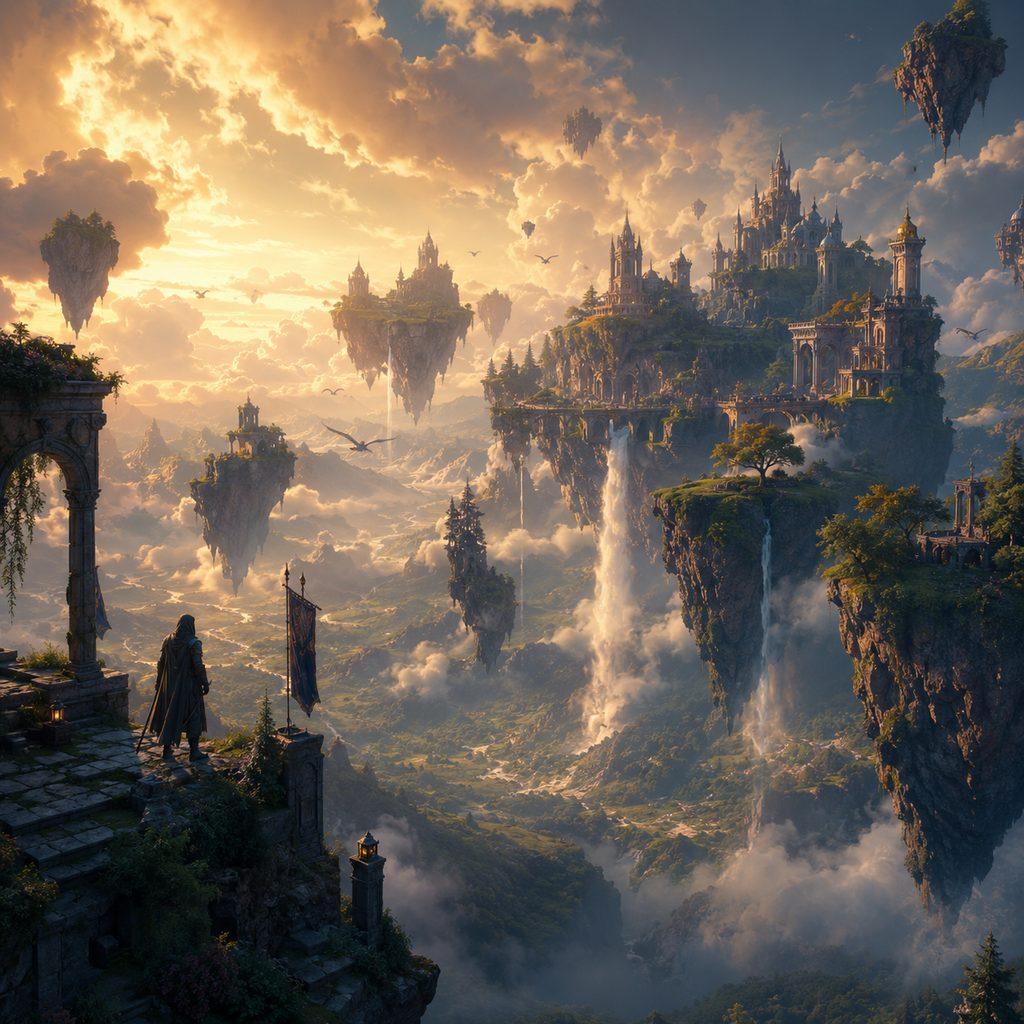
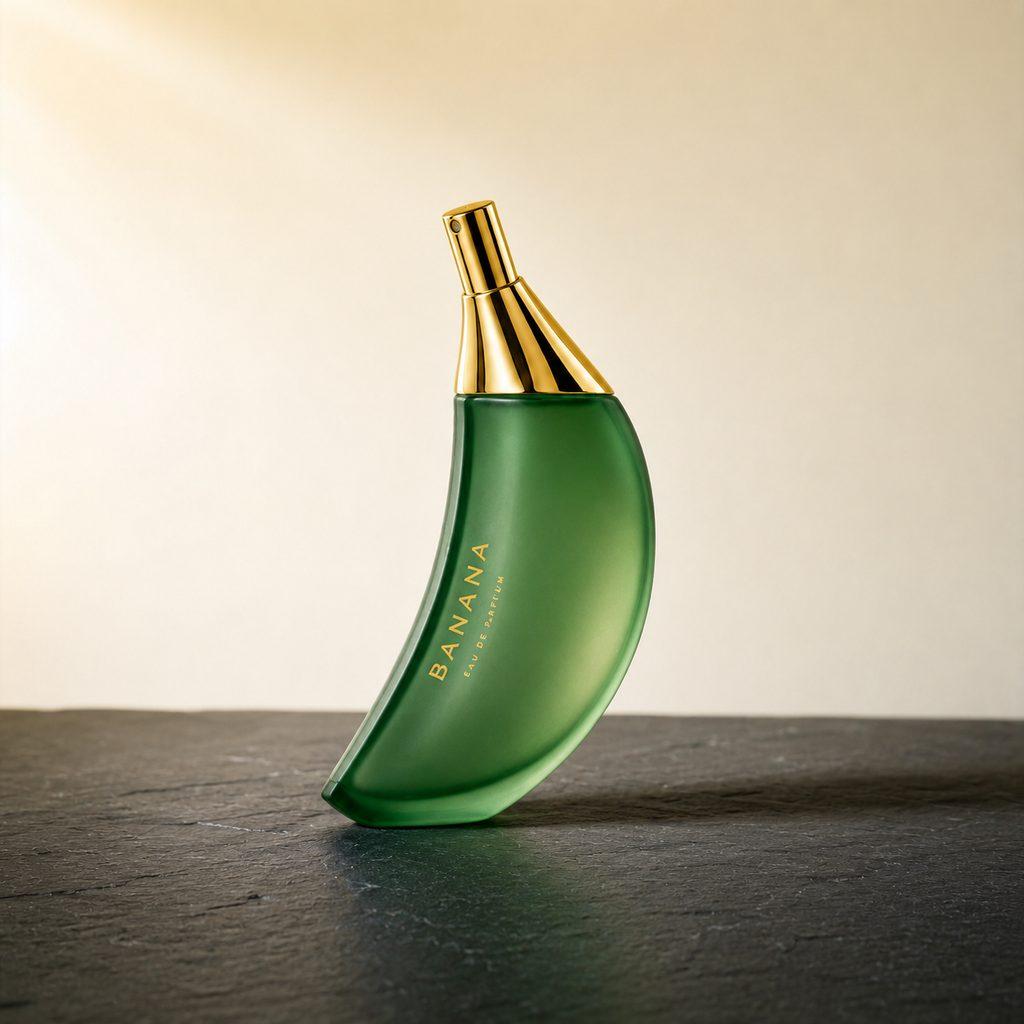
Real, unretouched images generated with GPT Image 2 (OpenAI GPT Image 2). The caption under each image is the exact prompt used.
GPT Image 2: before and after
The left image was generated with GPT Image 2, then edited by GPT Image 2 itself using this prompt: “Change the perfume bottle to frosted emerald green glass and switch the marble surface to dark slate, keep the same composition and lighting”.
How to use GPT Image 2
- 1
Pick a plan with GPT Image 2
Subscribe to Premium ($19.99/month, 4,000 credits, up to 2K) or Pro ($29.99/month, 10,000 credits, up to 4K).
- 2
Select GPT Image 2 in the composer
Open Create and choose GPT Image 2 from the model picker. The available ratios and resolutions update to match the model.
- 3
Write the prompt
Describe the scene and put any words the image should contain in quotes. GPT Image 2 accepts up to 20,000 characters, so detailed briefs are fine.
- 4
Set format and generate
Pick an aspect ratio and resolution, optionally attach up to four reference images for an edit, and generate. A 1K image costs 30 credits.
GPT Image 2 specifications
| Developer | OpenAI |
|---|---|
| Released | April 21, 2026 (ChatGPT Images 2.0) |
| Modes | Text-to-image, image-to-image editing |
| Prompt length | Up to 20,000 characters |
| Strengths | Text rendering, prompt adherence, layout control |
| Known limit | No 4K output at a 1:1 aspect ratio |
| Resolutions & credits | 30 credits (1K) · 50 credits (2K) · 80 credits (4K) |
| Aspect ratios | 1:1, 16:9, 9:16, 4:3, 3:4, 3:2, 2:3, 21:9 |
| Reference images | Up to 4 |
| Included in plans | Premium, Pro |
GPT Image 2 pricing: credits and images per month
Every plan uses one credit balance across all models. This is what GPT Image 2 costs on each plan that includes it.
| Plan | Monthly credits | Credits per image | ≈ GPT Image 2 images / month |
|---|---|---|---|
| Premium ($19.99/mo) | 4,000 | 30 (1K) / 50 (2K) | up to 133 |
| Pro ($29.99/mo) | 10,000 | 30 (1K) / 50 (2K) / 80 (4K) | up to 333 |
GPT Image 2 vs similar models
| Model | Engine | Max resolution | Credits from | Best for |
|---|---|---|---|---|
| GPT Image 2 | OpenAI GPT Image 2 | 4K | 30 | Images with text in them, exact layouts, and 4K renders from an OpenAI model. |
| GPT-4o Image | OpenAI GPT-4o | 1K | 30 | Style transfers, instruction-heavy prompts, and poster layouts at 1K. |
| Nano Banana 2 | Gemini 3.1 Flash Image | 4K | 40 | Creators who need high-resolution detail and reliable text without sacrificing speed. |
| Nano Banana Pro | Gemini 3 Pro Image | 4K | 90 | Professionals and agencies who need the highest-quality, print-ready AI images. |
What GPT Image 2 is best at
Product visuals with copy
Packaging mockups, ads, and social banners where the brand name and tagline must be spelled right on the first try.
UI mockups and diagrams
Interface screens, flowcharts, and infographics with many small labels. The planning step keeps dense layouts coherent.
Multilingual marketing
The same poster in English, Japanese, or Arabic without switching tools. Text accuracy holds across scripts.
High-detail 4K scenes
Hero images and print assets at 4K in wide formats, including 21:9 banners that most models cannot produce natively.
GPT Image 2 FAQ
What is GPT Image 2?
GPT Image 2 is OpenAI’s image generation model released on April 21, 2026, the engine behind ChatGPT Images 2.0. It generates and edits images with unusually accurate in-image text and follows long prompts closely. On Nano Banana AI it outputs at 1K, 2K, and 4K.
Is GPT Image 2 free?
No. Nano Banana AI has no free tier. GPT Image 2 is included in the Premium plan ($19.99/month with 4,000 credits) and the Pro plan ($29.99/month with 10,000 credits). A 1K image costs 30 credits, so Premium covers about 133 GPT Image 2 generations a month.
How much does GPT Image 2 cost?
On Nano Banana AI a GPT Image 2 generation costs 30 credits at 1K, 50 credits at 2K, and 80 credits at 4K. There are no per-image fees beyond credits, and unused monthly credits follow your plan’s normal rules.
Does GPT Image 2 do 4K?
Yes. GPT Image 2 generates 4K images for 80 credits on the Pro plan. The single exception is square format: 4K requires an aspect ratio other than 1:1, such as 3:2, 16:9, or 21:9.
Can GPT Image 2 edit my photos?
Yes. Attach up to four reference images and describe the change in the prompt. GPT Image 2 switches to its image-to-image mode, applies the edit, and preserves the rest of the photo.
GPT Image 2 vs Nano Banana: which should I use?
Nano Banana (20 credits) is faster and cheaper for everyday images. GPT Image 2 (30 credits) wins when the image contains text, when the layout must follow the prompt exactly, or when you need 4K from an OpenAI model. Many users draft with Nano Banana and finish with GPT Image 2.
GPT Image 2 vs GPT-4o Image: what changed?
GPT Image 2 is the newer model. It adds planning before rendering, sharper text, resolutions up to 4K, and eight aspect ratios. GPT-4o Image is 1K-only with three ratios and typically takes three to five minutes per image; GPT Image 2 is much faster.
Do I need a ChatGPT subscription to use GPT Image 2?
No. Nano Banana AI runs GPT Image 2 through its own API integration. Any Premium or Pro subscription here gives you the model directly, alongside 18 other image models under the same credits.
Explore more
Pricing
Choose the perfect plan to unlock more creativity with premium AI-powered image generation.
Standard
Perfect for creators and content makers
- 1,500 Credits per month
- High-quality AI image generation
- Text-to-image & image-to-image
- Premium templates library
- Priority support
Premium
For professionals and power creators
- 4,000 Credits per month
- Ultra high-quality generations
- Advanced AI models & styles
- Priority processing & support
- Commercial usage rights
Pro
Most advanced models for premium visuals
- 10,000 Credits per month
- All models incl. Nano Banana PRO
- All resolutions (1K, 2K & 4K)
- Premium-quality generation & smart edits
- Priority processing & support
Need more credits?
All plans include the option to purchase additional credit packs when you need extra generating power. Scale your creativity without limits.
Payments are securely processed by Stripe, our merchant of record. Subscriptions renew automatically at the listed price until you cancel; cancel anytime in your account settings. By continuing you agree to our Terms, Privacy Policy and Refund & Cancellation Policy. Need help? Contact support@nanobananai.ai.