Business & marketing
AI Product Photography that turns phone snaps into studio shots
Upload a photo of your product and get catalog-ready studio or lifestyle shots for your store.
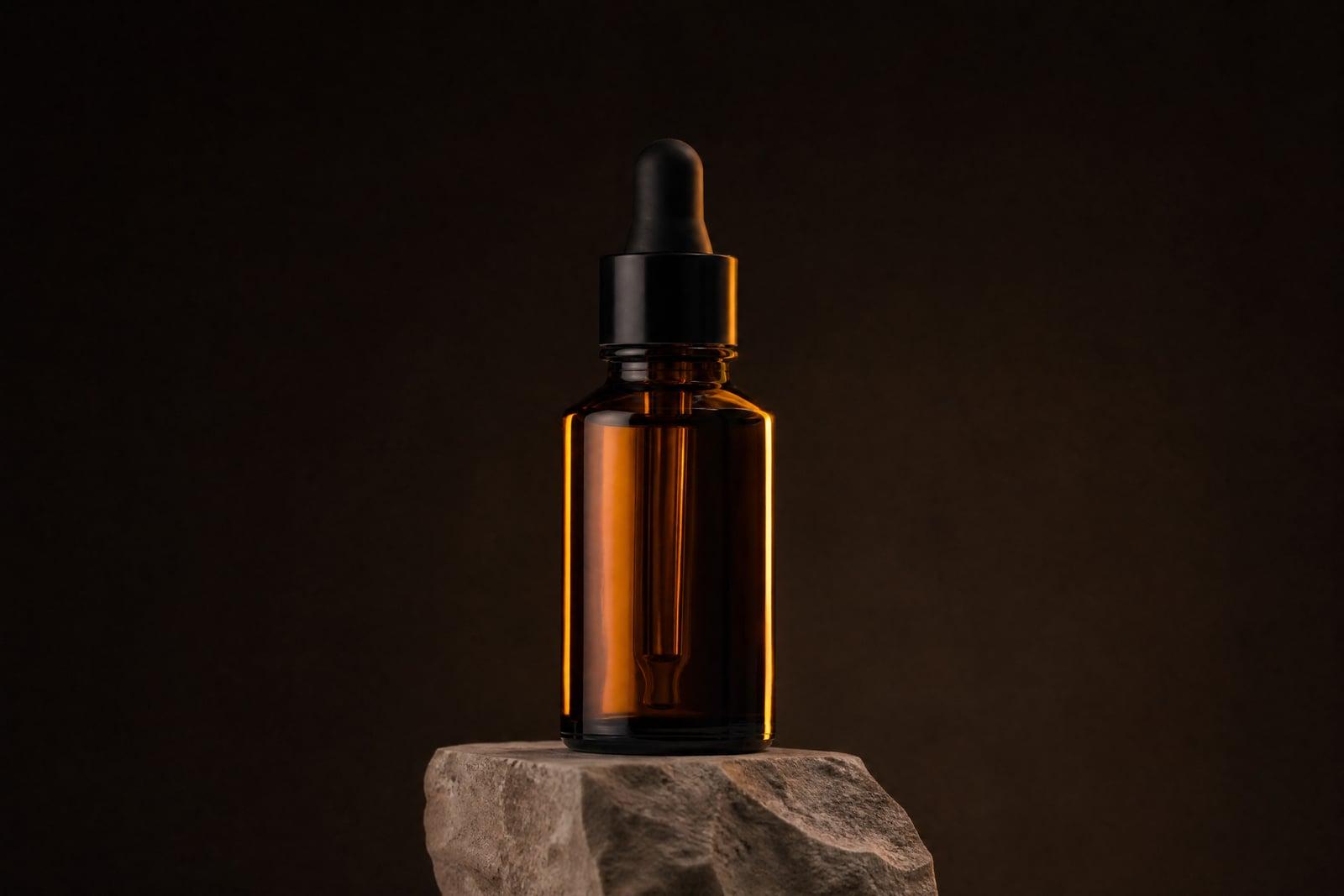
AI Product Photography places your product in a professional studio or lifestyle scene from a single photo. Upload a snapshot of the item, taken on your phone if that is all you have, pick the kind of scene you want, and generate. You get catalog-ready images with clean lighting and believable shadows, saved to your library and ready for your store.
What is the AI Product Photography?
This is a web tool for ecommerce images. You upload one photo of your product, add a second angle if you have it, and describe or pick the setting: white studio sweep, marble countertop, outdoor table, whatever suits the item. The generator rebuilds the scene around your product and returns shots you can download right away or rerun with a different look.
Product shots are hard to fake by hand because lighting has to agree with the scene. A bottle pasted onto a stock background looks pasted, with wrong reflections and a missing contact shadow. The tool handles the physics for you: it grounds the product, matches highlights to the new light source, and keeps labels and proportions true to the original photo.
AI Product Photography features
Label and shape accuracy
The generator treats your product as the fixed element in the scene. Bottle shapes, packaging colors, and label layouts carry over from your upload, so the item in the finished shot is the item you actually sell.
Studio or lifestyle scenes
Choose a clean studio sweep for marketplace listings or a lifestyle setting like a kitchen counter, gym bench, or picnic table. The same upload works for both, so one photo covers your whole listing.
A second angle helps
There is an optional slot for one more photo of the item. A back label or side view gives the generator extra reference, which pays off with rounded packaging and products that look different from each side.
Cheap to rerun
Each generation takes seconds, so you can try a marble surface, then a wood one, then a darker mood, and keep only the winner. Testing five scenes costs far less than reshooting even once.
How to use the AI Product Photography
- 1
Upload your product photo
Shoot the item straight on in even light. A plain background helps the generator find the edges, and sharp focus on the label matters more than camera quality.
- 2
Add a second angle
Optional, but useful for products with printed backs or unusual shapes. Skip it for flat or symmetrical items; the first photo carries enough information on its own.
- 3
Pick a scene
Start with a plain studio look to check accuracy, then move to lifestyle settings. Describe surfaces and mood in a few words, like warm oak table or bright bathroom shelf.
- 4
Generate and compare
Run a few variations and view them side by side in your library. Download the ones that read clearly at thumbnail size, since that is how shoppers first see them.
AI Product Photography details
| Best for | Ecommerce sellers who need listing photos without hiring a studio. |
|---|---|
| Category | Business & marketing |
| Powered by | Nano Banana 2 (Google) |
| Credits per image | 40 credits at 1K |
| Photos you upload | Product photo, Extra angle (optional) |
| Aspect ratios | 1:1, 4:3, 3:4 |
| Adjustable options | Scene, extra instructions |
| Included in plans | Premium, Pro |
What people make with the AI Product Photography
Etsy and marketplace listings
Handmade sellers rarely have a lightbox. One phone photo of a candle or ceramic mug becomes a bright, consistent listing image that matches the polish of bigger shops in the same search results.
Amazon main and gallery images
Marketplace rules favor clean backgrounds for the main image and context shots in the gallery. Generate both from the same upload so your listing looks deliberate rather than stitched together from mismatched photos.
Brand social feeds
A small skincare or coffee brand can produce a month of scene variety, morning light one week, moody slate the next, without booking a photographer for every single post on the calendar.
Pitch decks and preorders
Founders shipping a first product can show it in believable retail settings before mass production photos exist. A prototype photo is enough to build a landing page that looks finished.
AI Product Photography FAQ
Does AI Product Photography keep my product looking exact?
Labels, shape, and color come from your upload and stay recognizable in the output. Very small print can soften, so zoom in before publishing. If a detail drifts, regenerate; most runs land clean, and a second reference angle improves consistency.
What kind of photo should I upload?
A sharp, well-lit photo against a simple background works best. Phone cameras are fine. Avoid heavy shadows across the label and strong color casts from nearby walls, since the generator inherits whatever the source photo shows it.
Can I use the images in my store and ads?
Yes. Images you generate are yours to use, including commercially. Sellers use them for marketplace listings, product pages, email campaigns, and paid ads. Just confirm the product itself is represented accurately under your marketplace rules.
Do I need different photos for studio and lifestyle shots?
No, the same upload feeds both. Generate a clean white-background version for your main listing image, then rerun with a lifestyle scene for gallery slots and social posts. Each run is quick, so building a full set takes minutes.
Are my product photos private?
Uploads are used to generate your images and stored in your private library, where you can delete them whenever you want. Nothing you upload is published anywhere; only you decide which finished shots ever go public.
Related tools
Pricing
Choose the perfect plan to unlock more creativity with premium AI-powered image generation.
Standard
Perfect for creators and content makers
- 1,500 Credits per month
- High-quality AI image generation
- Text-to-image & image-to-image
- Premium templates library
- Priority support
Premium
For professionals and power creators
- 4,000 Credits per month
- Ultra high-quality generations
- Advanced AI models & styles
- Priority processing & support
- Commercial usage rights
Pro
Most advanced models for premium visuals
- 10,000 Credits per month
- All models incl. Nano Banana PRO
- All resolutions (1K, 2K & 4K)
- Premium-quality generation & smart edits
- Priority processing & support
Need more credits?
All plans include the option to purchase additional credit packs when you need extra generating power. Scale your creativity without limits.
Payments are securely processed by Stripe, our merchant of record. Subscriptions renew automatically at the listed price until you cancel; cancel anytime in your account settings. By continuing you agree to our Terms, Privacy Policy and Refund & Cancellation Policy. Need help? Contact support@nanobananai.ai.