xAI Aurora
Grok Imagine — xAI Image Generation Online
xAI’s Aurora engine: photorealistic 1K images in seconds, on every plan, no X Premium required.
Grok Imagine is xAI’s image generation model, built on the Aurora engine that also creates images inside Grok on X. It is one of the fastest models on this platform and one of the cheapest at 20 credits per image, and it is included in every plan, starting with Standard at $9.99 a month. You do not need an X Premium subscription to use Grok Imagine here.
What is Grok Imagine?
Aurora is an autoregressive mixture-of-experts network that xAI first shipped in December 2024 and has upgraded steadily since. Instead of denoising random noise the way diffusion models do, Aurora predicts the image token by token from interleaved text and image training data. The practical result is photorealism: convincing skin texture, product surfaces, signage, and real-world detail.
xAI launched Grok Imagine as its standalone creative tool in late 2025, and speed became its reputation. Generations here typically finish in seconds, which changes how you work: you iterate on prompts the way you iterate on search queries, instead of committing to one careful prompt per minute-long wait.
On Nano Banana AI, Grok Imagine outputs 1K images in five aspect ratios (1:1, 16:9, 9:16, 3:2, 2:3) and accepts up to four reference images. When you attach references, the model switches to its image-to-image variant and applies your prompt as the edit.
At 20 credits it costs the same as base Nano Banana, and the two make a natural pair: Grok Imagine leans photorealistic, Nano Banana leans stylized and illustrative. On the Standard plan, 1,500 monthly credits buy 75 Grok Imagine generations; Pro’s 10,000 credits buy 500.
Grok Imagine features
Photorealism first
Aurora’s autoregressive design favors believable real-world detail: faces, materials, lighting, and legible signage.
Results in seconds
One of the fastest models in the catalog. Iterate on a prompt five times in the time a slow model takes for one image.
Included in every plan
Standard, Premium, and Pro all include Grok Imagine at 20 credits per image. It is the cheapest way here to generate photorealistic images.
Photo edits with references
Attach up to four reference images and describe the change: background swaps, style shifts, object edits.
Grok Imagine examples with prompts
Real, unretouched images generated with Grok Imagine (xAI Aurora). The caption under each image is the exact prompt used.
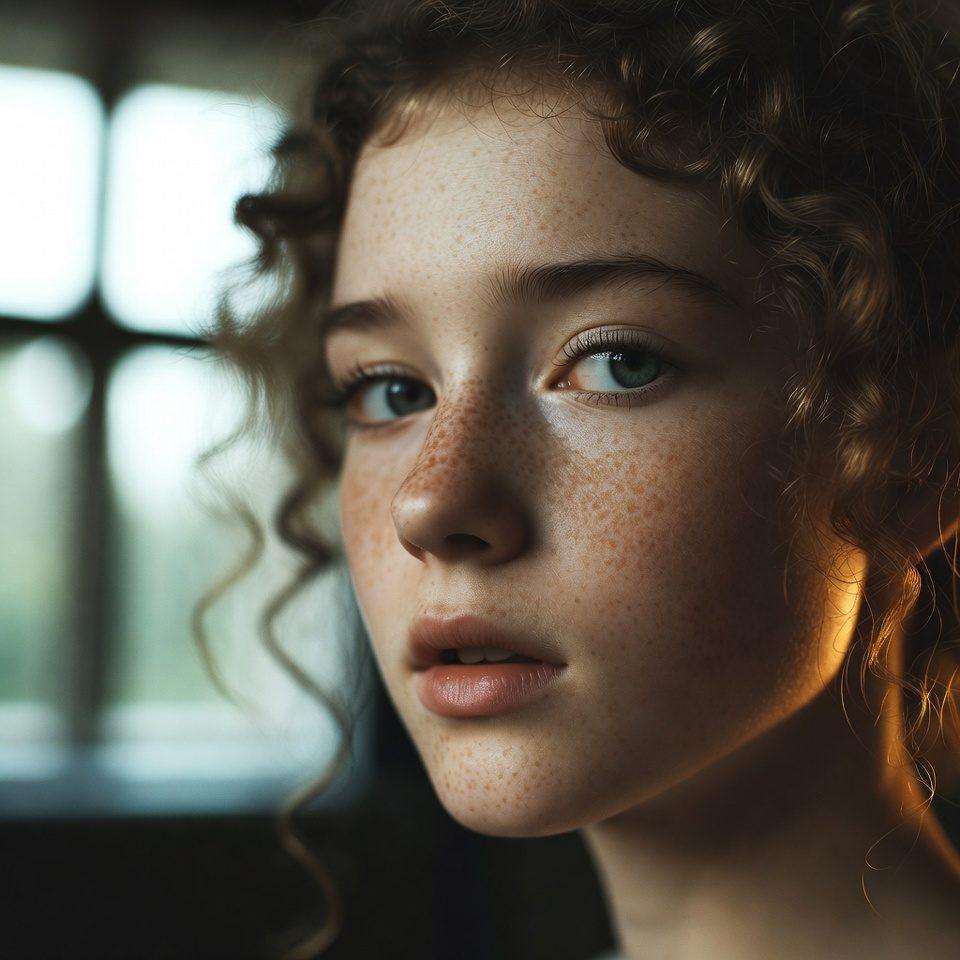
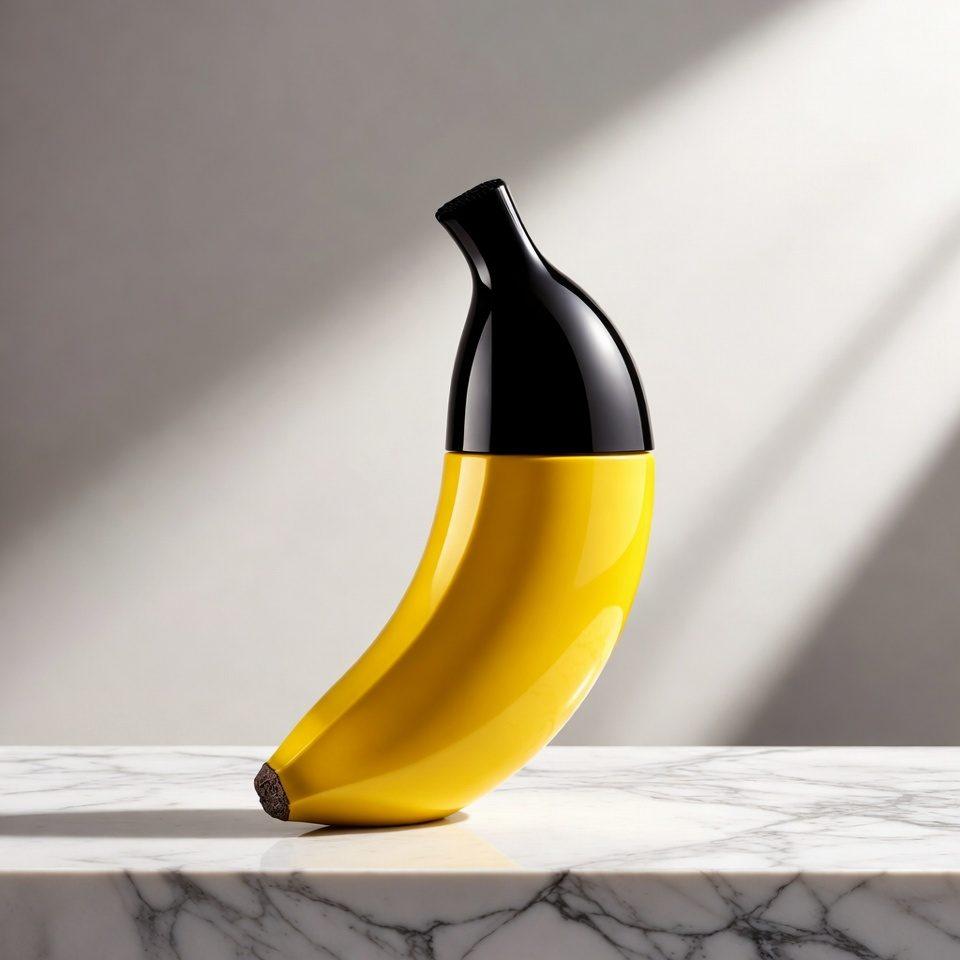
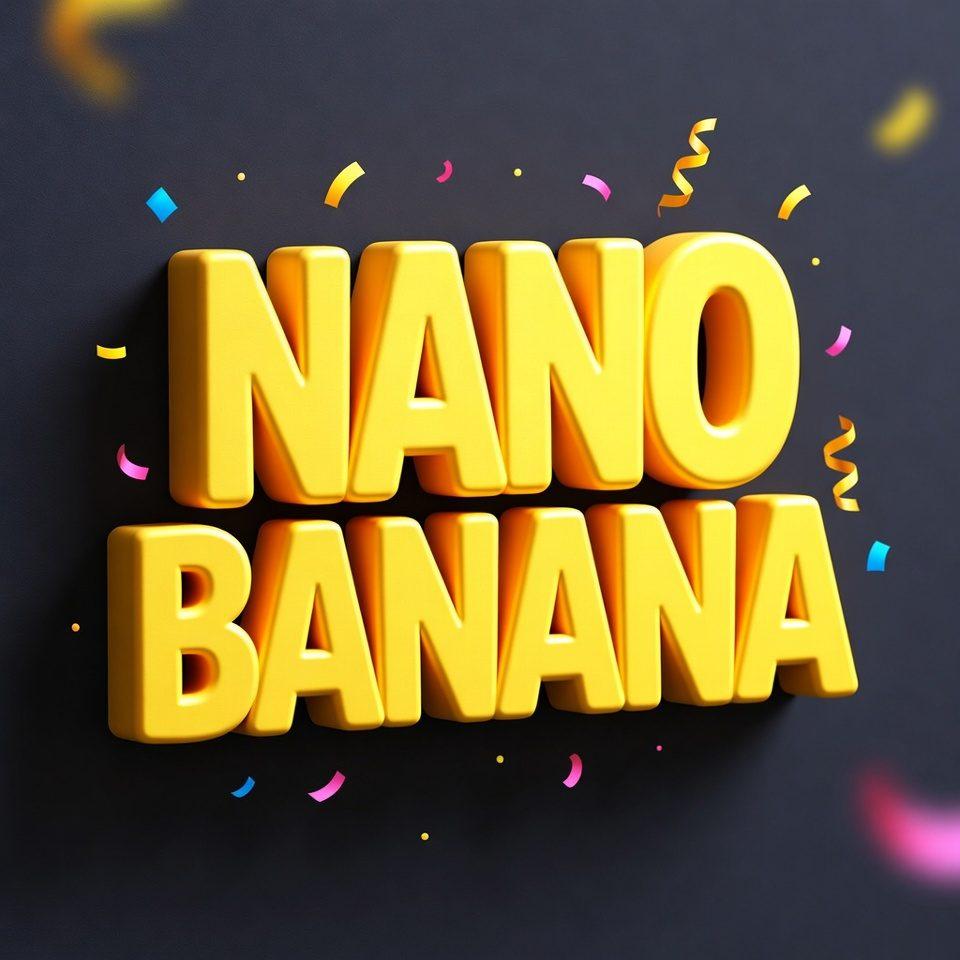
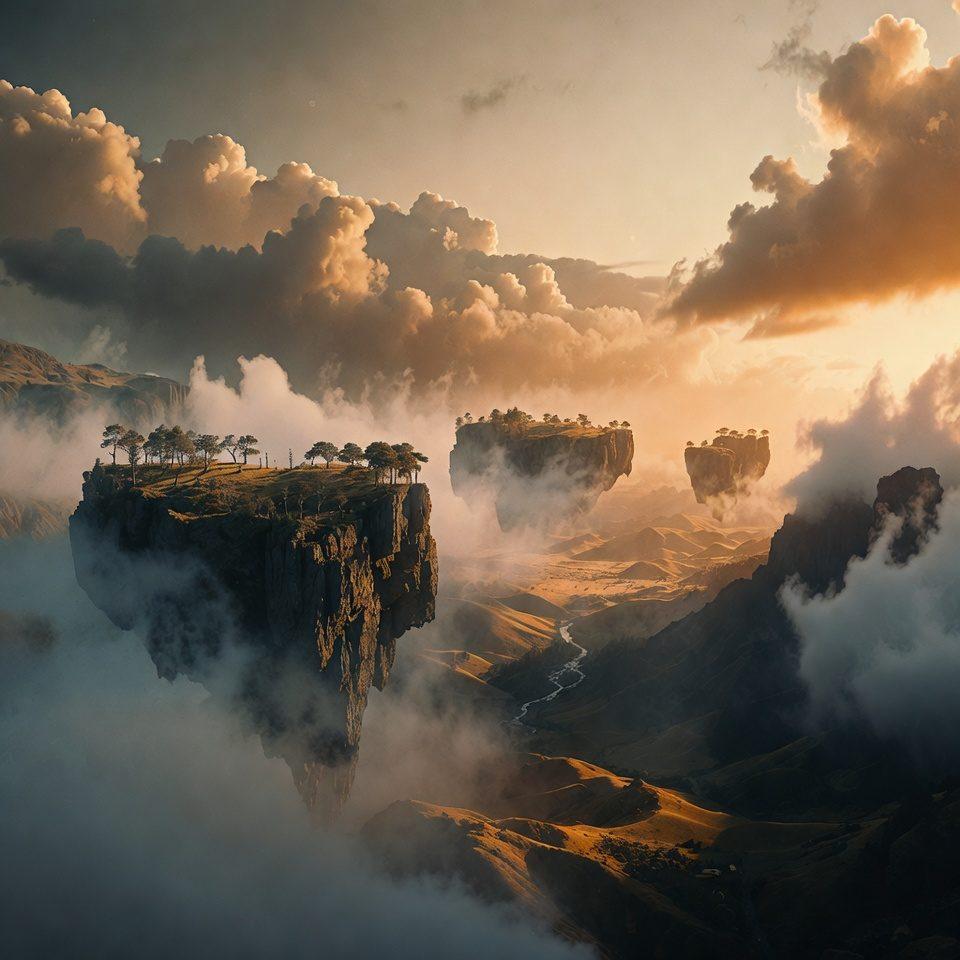
Grok Imagine: before and after
The left image was generated with Grok Imagine, then edited by Grok Imagine itself using this prompt: “Change the perfume bottle to frosted emerald green glass and switch the marble surface to dark slate, keep the same composition and lighting”.

How to use Grok Imagine
- 1
Pick any plan
Every plan includes Grok Imagine. Standard ($9.99/month, 1,500 credits) is the cheapest way in.
- 2
Select Grok Imagine in the composer
Open Create and choose Grok Imagine. Five aspect ratios are available: 1:1, 16:9, 9:16, 3:2, 2:3.
- 3
Prompt for photorealism
Describe the subject, lens, and lighting like a photo brief. Aurora responds well to camera language.
- 4
Generate and iterate
Results arrive in seconds at 20 credits each, so regenerate freely until the shot is right.
Grok Imagine specifications
| Developer | xAI |
|---|---|
| Engine | Aurora (autoregressive mixture-of-experts) |
| Engine debut | December 2024; Grok Imagine product late 2025 |
| Modes | Text-to-image, image-to-image editing |
| Generation time | Seconds; among the fastest models here |
| Strengths | Photorealism, speed, real-world detail |
| Resolutions & credits | 20 credits (1K) |
| Aspect ratios | 1:1, 16:9, 9:16, 3:2, 2:3 |
| Reference images | Up to 4 |
| Included in plans | Standard, Premium, Pro |
Grok Imagine pricing: credits and images per month
Every plan uses one credit balance across all models. This is what Grok Imagine costs on each plan that includes it.
| Plan | Monthly credits | Credits per image | ≈ Grok Imagine images / month |
|---|---|---|---|
| Standard ($9.99/mo) | 1,500 | 20 (1K) | up to 75 |
| Premium ($19.99/mo) | 4,000 | 20 (1K) | up to 200 |
| Pro ($29.99/mo) | 10,000 | 20 (1K) | up to 500 |
Grok Imagine vs similar models
| Model | Engine | Max resolution | Credits from | Best for |
|---|---|---|---|---|
| Grok Imagine | xAI Aurora | 1K | 20 | Fast, photorealistic 1K images at the lowest price, on every plan. |
| Nano Banana | Gemini 2.5 Flash Image | 1K | 20 | Fast, everyday image generation and quick edits. |
| Nano Banana 2 | Gemini 3.1 Flash Image | 4K | 40 | Creators who need high-resolution detail and reliable text without sacrificing speed. |
| GPT Image 2 | OpenAI GPT Image 2 | 4K | 30 | Images with text in them, exact layouts, and 4K renders from an OpenAI model. |
What Grok Imagine is best at
People and portraits
Photorealistic faces and skin texture without the waxy look diffusion models often produce.
Rapid concept iteration
Seconds per image means you refine a prompt live: change one word, regenerate, compare.
Product and street photography looks
Materials, reflections, and signage that read as photographed rather than rendered.
Budget volume work
At 20 credits on the $9.99 Standard plan, it is the cheapest photorealistic generator in the catalog.
Grok Imagine FAQ
What is Grok Imagine?
Grok Imagine is xAI’s image generation model, powered by the Aurora engine. It generates photorealistic 1K images in seconds and supports photo editing with reference images. On Nano Banana AI it costs 20 credits per image on every plan.
Do I need X Premium to use Grok Imagine?
Not here. Nano Banana AI runs Grok Imagine through its own API integration, so any plan (Standard, Premium, or Pro) gives you the model without an X or X Premium account.
Is Grok Imagine free?
No. Nano Banana AI has no free tier. The cheapest way to use Grok Imagine is the Standard plan at $9.99/month, which includes 1,500 credits, enough for 75 Grok Imagine images.
What engine does Grok Imagine use?
Aurora, xAI’s autoregressive mixture-of-experts image model, first released in December 2024. It predicts images token by token rather than using diffusion, which is why its output skews photorealistic.
What resolution does Grok Imagine support?
Grok Imagine generates at 1K (1024 px). It does not offer 2K or 4K. When you need higher resolution, generate at 1K here and upscale with Topaz Upscale, or use GPT Image 2 or Nano Banana Pro for native 4K.
Can Grok Imagine edit photos?
Yes. Attach up to four reference images and write the change as the prompt. The model switches to its image-to-image variant automatically.
How fast is Grok Imagine?
Generations typically complete in seconds. Along with Nano Banana 2 Lite and Z-Image, it is one of the three fastest models on the platform.
Grok Imagine vs Nano Banana: which should I pick?
Both cost 20 credits. Pick Grok Imagine for photorealistic subjects: people, products, street scenes. Pick Nano Banana for stylized and illustrative work or when you want Google’s Gemini rendering style. Testing both on one prompt costs 40 credits total.
Explore more
Pricing
Choose the perfect plan to unlock more creativity with premium AI-powered image generation.
Standard
Perfect for creators and content makers
- 1,500 Credits per month
- High-quality AI image generation
- Text-to-image & image-to-image
- Premium templates library
- Priority support
Premium
For professionals and power creators
- 4,000 Credits per month
- Ultra high-quality generations
- Advanced AI models & styles
- Priority processing & support
- Commercial usage rights
Pro
Most advanced models for premium visuals
- 10,000 Credits per month
- All models incl. Nano Banana PRO
- All resolutions (1K, 2K & 4K)
- Premium-quality generation & smart edits
- Priority processing & support
Need more credits?
All plans include the option to purchase additional credit packs when you need extra generating power. Scale your creativity without limits.
Payments are securely processed by Stripe, our merchant of record. Subscriptions renew automatically at the listed price until you cancel; cancel anytime in your account settings. By continuing you agree to our Terms, Privacy Policy and Refund & Cancellation Policy. Need help? Contact support@nanobananai.ai.