Business & marketing
AI Logo Generator: professional logo concepts from a prompt
Describe your brand and get clean logo directions you can react to, refine, and use.
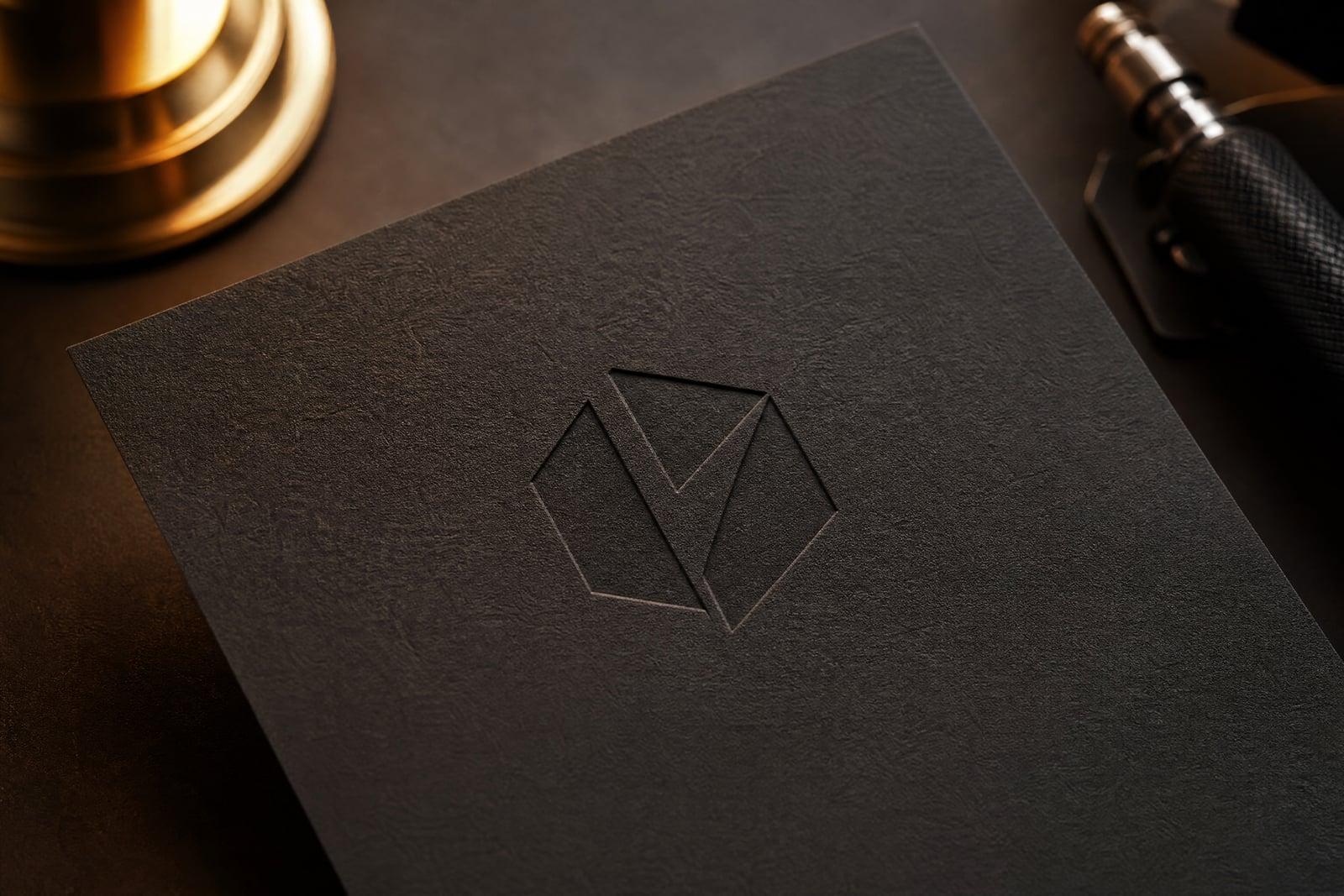
AI Logo Generator turns a written description of your brand into clean, professional logo concepts. No upload is needed: type the business name, what it does, and the feeling you want, then generate. You get logo directions in different styles to compare, and rerunning with tweaked wording is quick, so exploring ten directions costs an evening rather than a design retainer.
What is the AI Logo Generator?
This is a text-to-image tool aimed at brand marks. You describe the company, mention preferences like minimal, geometric, or hand-drawn, and optionally name colors. Each generation returns a logo concept rendered cleanly on a plain background. Iterating on the wording steers the results: swap playful for premium in the prompt and the whole character of the output changes.
The hard part of logo design is getting from a blank page to directions worth debating. Sketching twenty marks by hand takes a designer days. The generator compresses that exploration phase, giving concrete options that reveal what you actually want, which is often different from what you first asked for. Refinement then happens through reruns instead of revision rounds.
AI Logo Generator features
Fast direction exploration
Ten concepts before lunch beats two mockups next Tuesday. Early volume matters in logo work because reactions to real options tell you more than any questionnaire about your taste ever could.
Style vocabulary that works
Terms like minimal wordmark, geometric monogram, mascot, or vintage badge steer the generator reliably. If you can describe the shelf you want to sit on, you can aim the output at it.
Clean presentation
Concepts render on plain backgrounds, so you judge the mark itself rather than a mockup. Favorites drop straight into a pitch deck or a customer poll without any cleanup first.
Yours to use
Logos you generate are yours, including for commercial use on storefronts, packaging, and websites. For formal trademark registration, have a professional run a clearance search first, as with any logo from any source.
How to use the AI Logo Generator
- 1
Describe the brand
Give the name, the industry, and two or three adjectives for the personality. A bakery called Flour Hour wants different shapes than a security startup.
- 2
Set style and color
Name a direction, such as minimal line icon or retro badge, and a palette if you have one. Leaving color open often surfaces ideas you had not considered.
- 3
Generate and compare
Run several generations and line the concepts up. Notice which ones you keep looking back at; that reaction is the data you came for.
- 4
Refine the winner
Rerun with more specific wording built around your favorite, tightening shape and color. Download the final concept for your site, socials, and print material.
AI Logo Generator details
| Best for | Founders who need a credible logo before the designer budget exists. |
|---|---|
| Category | Business & marketing |
| Powered by | Nano Banana 2 (Google) |
| Credits per image | 40 credits at 1K |
| Photos you upload | None, this tool works from your text idea |
| Aspect ratios | 1:1 |
| Adjustable options | Brand name, What does the brand do?, Logo style |
| Included in plans | Premium, Pro |
What people make with the AI Logo Generator
New small businesses
A food truck or cleaning service needs a credible mark this month, not a five-round agency process. Generate directions tonight and put the top three in front of customers tomorrow morning.
Side projects and apps
Indie developers ship products faster than they design logos for them. A clean generated mark gives an app store page or landing page a finished look while the code stays the priority.
Rebrand explorations
Before committing budget to a rebrand, generate the direction you are imagining and see it as pixels. Sometimes the new look wins, and sometimes the exercise proves the old logo was fine.
Client moodboards
Freelance designers use generated concepts as conversation starters in kickoff meetings. Clients react faster to twelve rough marks than to abstract questions about brand values, and the disagreements surface early, while they are still cheap.
AI Logo Generator FAQ
How does the AI Logo Generator work?
You type a description of your brand, including the name, the industry, and the style you want, and the tool generates logo concepts from that text. There is nothing to upload. Rerunning with adjusted wording produces new directions until one fits.
Can I use a generated logo commercially?
Yes, images you generate are yours to use commercially, on signage, packaging, websites, and merchandise. If you plan to register a trademark, run a professional clearance search first, which applies to logos from human designers as well.
Will the logo include my business name?
It can. Include the exact name in your prompt and proofread the rendered lettering carefully, since generated text can occasionally garble a character. Many people generate the icon alone and pair it with typed text in any free editor.
What makes a good logo prompt?
Name, industry, personality adjectives, and a style anchor. Compare plain requests like logo for a coffee shop with specific ones like minimal line logo for a coffee shop, single cup icon, warm tones. The second gives the generator a target.
How many concepts should I generate?
More than feels necessary. Generating ten to twenty concepts across a few prompt variations is normal, and the process is quick. Your shortlist teaches you what you like, and the final rerun usually lands within a single session.
Related tools
Pricing
Choose the perfect plan to unlock more creativity with premium AI-powered image generation.
Standard
Perfect for creators and content makers
- 1,500 Credits per month
- High-quality AI image generation
- Text-to-image & image-to-image
- Premium templates library
- Priority support
Premium
For professionals and power creators
- 4,000 Credits per month
- Ultra high-quality generations
- Advanced AI models & styles
- Priority processing & support
- Commercial usage rights
Pro
Most advanced models for premium visuals
- 10,000 Credits per month
- All models incl. Nano Banana PRO
- All resolutions (1K, 2K & 4K)
- Premium-quality generation & smart edits
- Priority processing & support
Need more credits?
All plans include the option to purchase additional credit packs when you need extra generating power. Scale your creativity without limits.
Payments are securely processed by Stripe, our merchant of record. Subscriptions renew automatically at the listed price until you cancel; cancel anytime in your account settings. By continuing you agree to our Terms, Privacy Policy and Refund & Cancellation Policy. Need help? Contact support@nanobananai.ai.