Business & marketing
App Icon Generator: store-ready icons from a description
Type what your app does and get a clean, recognizable icon for the App Store and Google Play.
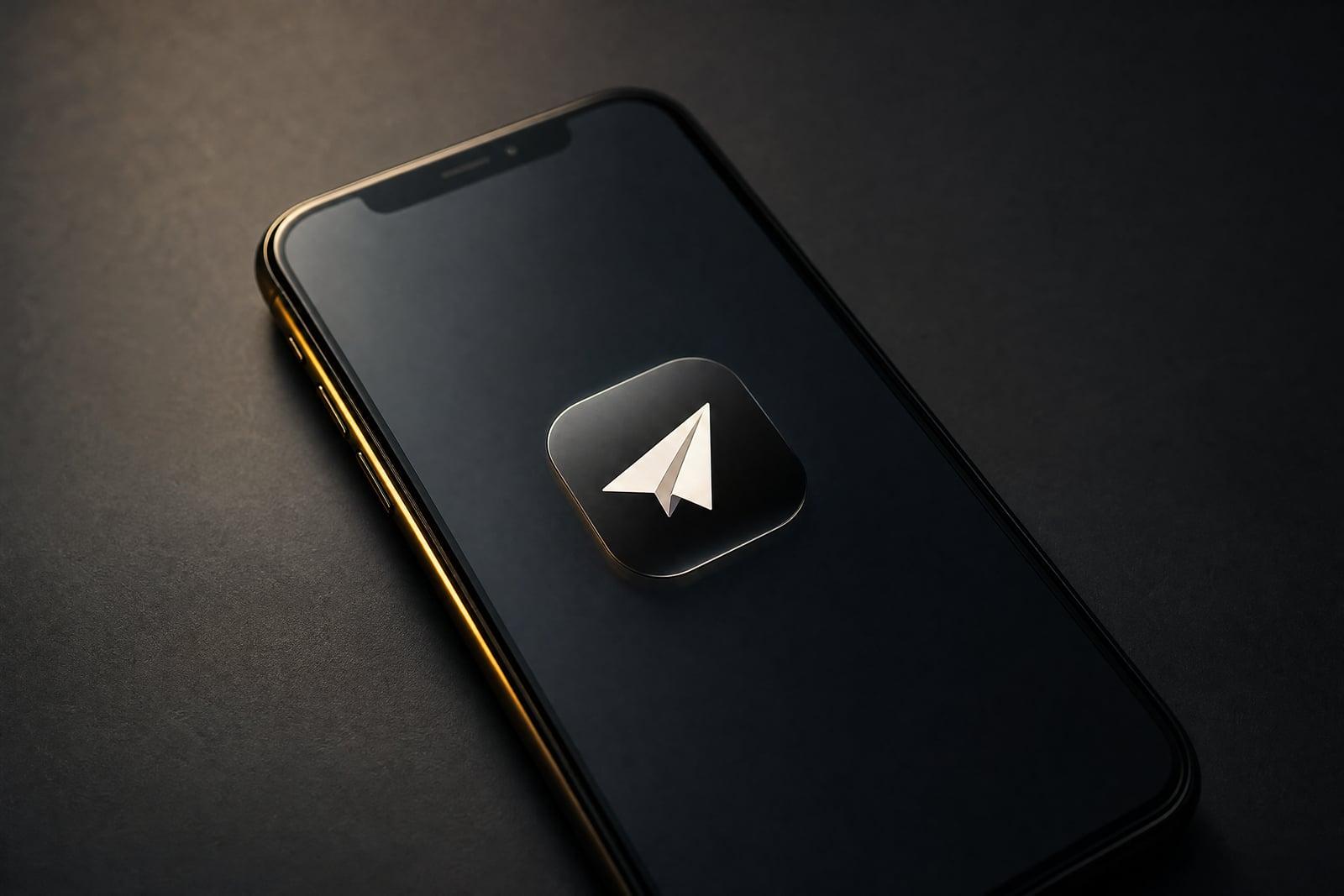
App Icon Generator creates a polished iOS and Android app icon from a short text description. There is nothing to upload. Describe your app, the mood you want, and any colors that matter, then generate. You get a crisp icon design built around one clear shape, the kind that still reads at home-screen size. Fresh variations are quick, so you can compare several directions side by side before picking a winner.
What is the App Icon Generator?
App Icon Generator is a text-to-image tool aimed at one narrow job: the small square that represents your app. You write a sentence or two about the app and the feeling you want, pick a style, and generate. Each result is a finished icon concept with a single emblem, balanced margins, and a background that will not fight the badge counter or the notification dot.
Icon design is unforgiving. A concept that looks great at full size often collapses into mush at 60 pixels, and most first attempts cram in too many elements. The tool leans toward one focal shape and a strong silhouette, which is exactly what survives shrinking. Instead of paying for three concepts from a designer before you even know your direction, you can burn through twenty ideas in an afternoon.
App Icon Generator features
One clear focal shape
Results center on a single emblem with generous margins, the structure that keeps an icon legible next to two dozen others on a crowded home screen. Busy multi-object concepts get filtered out by design.
Style direction
Steer toward flat, glossy, gradient, or hand-drawn looks with a phrase in your description. Two runs with different style words give you a genuine A/B comparison for the same emblem idea.
Cheap iteration
Each generation finishes fast, so exploring a color swap or a different emblem noun costs almost nothing. Keep the contenders in your library and line them up against each other before deciding.
Yours to ship
Icons you generate belong to you, including for commercial apps published on the App Store and Google Play. You can submit them with your build without asking anyone for permission.
How to use the App Icon Generator
- 1
Describe your app
Write one or two sentences: what the app does, the vibe (playful, serious, technical), and a color if you have one. Concrete nouns beat adjectives here.
- 2
Pick a style
Choose the look you want to explore first. Flat and minimal is the safest starting point for icons; save gradients and 3D looks for round two.
- 3
Generate
Run it and review the result at small size, since full screen flatters everything. Shrink your browser window or squint; a good icon still reads clearly.
- 4
Download or refine
Download the winner or tweak your description and rerun. Changing one word, like swapping the emblem noun, often lands a completely different concept worth keeping.
App Icon Generator details
| Best for | Developers who need a store-ready app icon this week. |
|---|---|
| Category | Business & marketing |
| Powered by | Nano Banana (Google) |
| Credits per image | 20 credits at 1K |
| Photos you upload | None, this tool works from your text idea |
| Aspect ratios | 1:1 |
| Adjustable options | What is the app about?, Icon style |
| Included in plans | Standard, Premium, Pro |
What people make with the App Icon Generator
Indie launch
A solo developer shipping a habit tracker needs an icon this week, not a design contract. Generate a batch, pick the strongest, and get back to fixing launch bugs.
Pre-launch testing
Startups can generate five icon directions and put them in front of beta users before committing. The cheapest moment to change an icon is before anyone has installed the app.
Game icons
Mobile game studios can explore mascot-style icons for a puzzle game or moody emblems for a strategy title without pulling artists away from production work.
Client concepts
Agencies pitching an app project can walk into the meeting with three visual directions already on the slide. Concept exploration that used to take a day now takes minutes.
App Icon Generator FAQ
How does the App Icon Generator work?
You type a short description of your app and the style you want, and the tool generates a finished icon concept. No upload is needed. Each run produces a new take, so you iterate until the emblem, colors, and mood feel right.
Can I use the icons in the App Store and Google Play?
Yes. Icons you generate are yours to use, including commercially in published apps. You are responsible for making sure your icon does not imitate another brand, the same rule that applies to any icon you commission.
What should I write in the description?
Name the object you want as the emblem, the mood, and one or two colors. Something like a minimal flat icon of a paper plane on a deep blue background works far better than a pile of adjectives.
Will the icon still look good at small sizes?
The tool favors single-emblem compositions with clean silhouettes, which is what holds up at home-screen size. Still check every candidate small before you commit; detail-heavy concepts lose the most when shrunk.
Can I generate several options to compare?
Yes, and you should. Variations take seconds each, and every result lands in your library. Most people generate ten or more, shortlist three, and test those with teammates or beta users.
Related tools
Pricing
Choose the perfect plan to unlock more creativity with premium AI-powered image generation.
Standard
Perfect for creators and content makers
- 1,500 Credits per month
- High-quality AI image generation
- Text-to-image & image-to-image
- Premium templates library
- Priority support
Premium
For professionals and power creators
- 4,000 Credits per month
- Ultra high-quality generations
- Advanced AI models & styles
- Priority processing & support
- Commercial usage rights
Pro
Most advanced models for premium visuals
- 10,000 Credits per month
- All models incl. Nano Banana PRO
- All resolutions (1K, 2K & 4K)
- Premium-quality generation & smart edits
- Priority processing & support
Need more credits?
All plans include the option to purchase additional credit packs when you need extra generating power. Scale your creativity without limits.
Payments are securely processed by Stripe, our merchant of record. Subscriptions renew automatically at the listed price until you cancel; cancel anytime in your account settings. By continuing you agree to our Terms, Privacy Policy and Refund & Cancellation Policy. Need help? Contact support@nanobananai.ai.