Business & marketing
AI Infographic Generator: from a few points to a finished graphic
Type a title and the points you want to show, pick a layout, and get an infographic with icons and text that reads correctly.
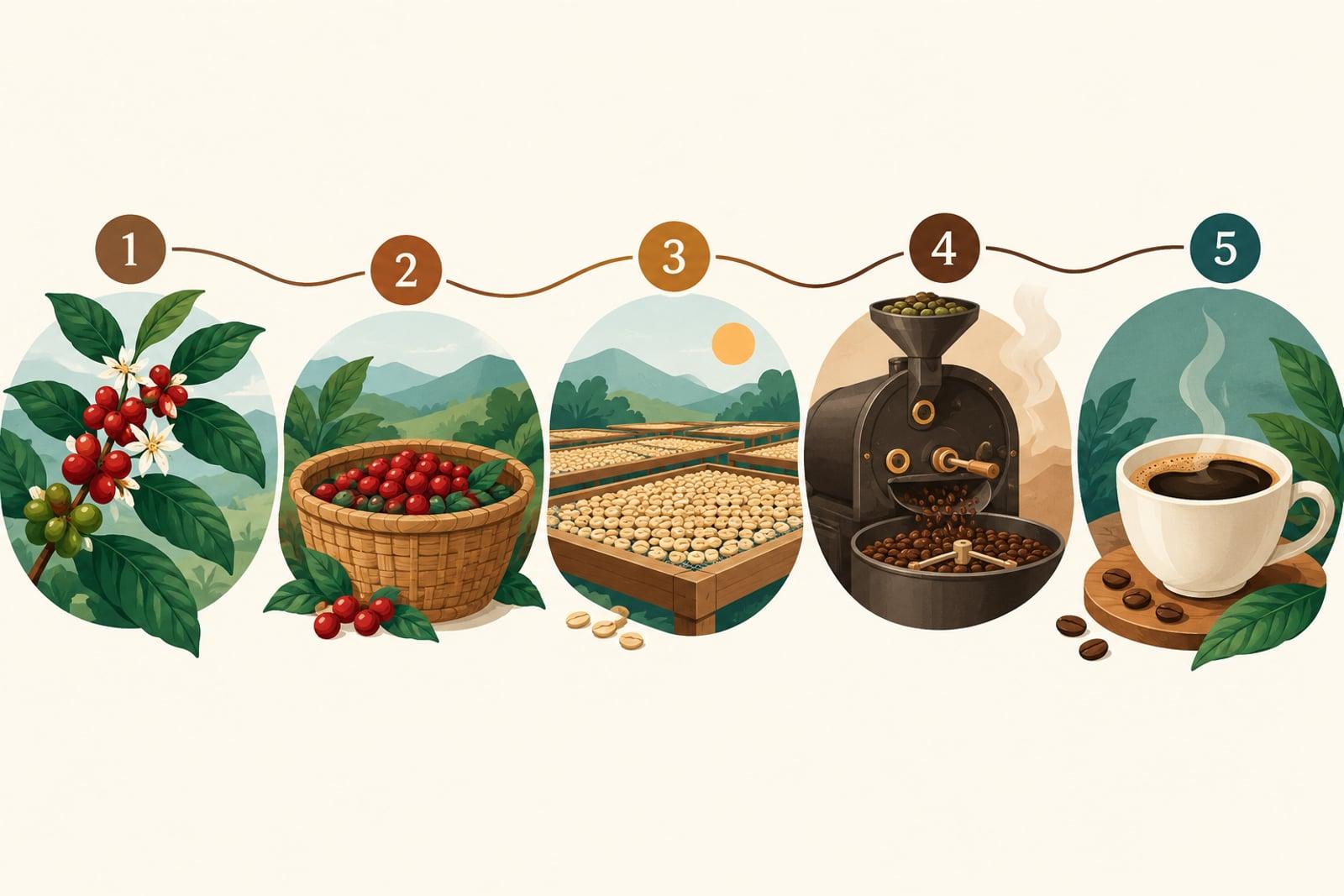
AI Infographic Generator turns a title and a short list of points into a finished infographic. Choose numbered steps, a comparison, a timeline or a key-numbers layout, pick a visual style, and generate. Every word you type is placed and spelled as written, with a matching icon for each point.
What is the AI Infographic Generator?
Infographics are mostly words and structure, which is exactly where many image generators fail. This tool uses an image model chosen for accurate text and layout, and a template that tells it to keep your title and points exactly as written, give each point its own section and icon, and add nothing else.
It works best for short, scannable content: four to eight points, each a few words long. For a long report, break it into several infographics, one idea each. You can make portrait versions for social posts and wide versions for slides.
AI Infographic Generator features
Text that reads correctly
Your title and points appear as written. Short labels keep the lettering clean at phone size.
Four layouts
Numbered steps, side-by-side comparison, a horizontal timeline, or large key numbers with captions.
Style options
Clean flat icons, hand-drawn sketch, restrained corporate colors, or a playful colorful look.
Social and slide sizes
Portrait for posts and stories, square for feeds, wide for slides and blog headers.
How to use the AI Infographic Generator
- 1
Write the title
Keep it short and specific, such as “How Coffee Gets to Your Cup”.
- 2
List the points
Separate them with commas. Four to eight short points give the cleanest result.
- 3
Pick layout and style
Steps for processes, a timeline for history, comparison for two options, key numbers for stats.
- 4
Generate and check the text
Read every label before you publish. Rerun with shorter wording if a label looks crowded.
AI Infographic Generator details
| Best for | Marketers, teachers and creators who need clear visuals fast |
|---|---|
| Category | Business & marketing |
| Powered by | GPT Image 2 (OpenAI) |
| Credits per image | 30 credits at 1K |
| Photos you upload | None, this tool works from your text idea |
| Aspect ratios | 3:4, 9:16, 1:1, 16:9 |
| Adjustable options | Infographic title, Points to include (comma separated), Layout, Style |
| Included in plans | Premium, Pro |
What people make with the AI Infographic Generator
Social media explainers
Turn a how-to or a list of tips into a carousel image people save and share.
Slides and reports
Make a quick visual summary for a presentation or the top of a report.
Teaching material
Create simple diagrams and step charts for lessons, worksheets and study notes.
Product and process pages
Show how your service works in four steps on a landing page or onboarding email.
AI Infographic Generator FAQ
How do I make an infographic with AI?
Enter a title, list your points separated by commas, choose a layout and style, and generate. The tool creates the full graphic with icons and your text.
Will the text in my infographic be spelled correctly?
The tool is set up to keep your words exactly as written, and short labels come out reliably. Always proofread before publishing, especially long or unusual words.
How many points can I include?
Four to eight short points work best. For more, split the content into several infographics.
Can I edit the infographic afterwards?
The result is an image. Rerun with changed wording for text changes, or import the image into a design tool for small adjustments.
Can I use the infographics commercially?
Yes. Images you create are yours to use, including for business, subject to our terms.
Related tools
Pricing
Choose the perfect plan to unlock more creativity with premium AI-powered image generation.
Standard
Perfect for creators and content makers
- 1,500 Credits per month
- High-quality AI image generation
- Text-to-image & image-to-image
- Premium templates library
- Priority support
Premium
For professionals and power creators
- 4,000 Credits per month
- Ultra high-quality generations
- Advanced AI models & styles
- Priority processing & support
- Commercial usage rights
Pro
Most advanced models for premium visuals
- 10,000 Credits per month
- All models incl. Nano Banana PRO
- All resolutions (1K, 2K & 4K)
- Premium-quality generation & smart edits
- Priority processing & support
Need more credits?
All plans include the option to purchase additional credit packs when you need extra generating power. Scale your creativity without limits.
Payments are securely processed by Stripe, our merchant of record. Subscriptions renew automatically at the listed price until you cancel; cancel anytime in your account settings. By continuing you agree to our Terms, Privacy Policy and Refund & Cancellation Policy. Need help? Contact support@nanobananai.ai.