Fun & creative
Custom Emoji Maker: your face as a glossy emoji
Upload a selfie and get a rounded, shiny emoji version of yourself for Slack, Discord, and group chats.
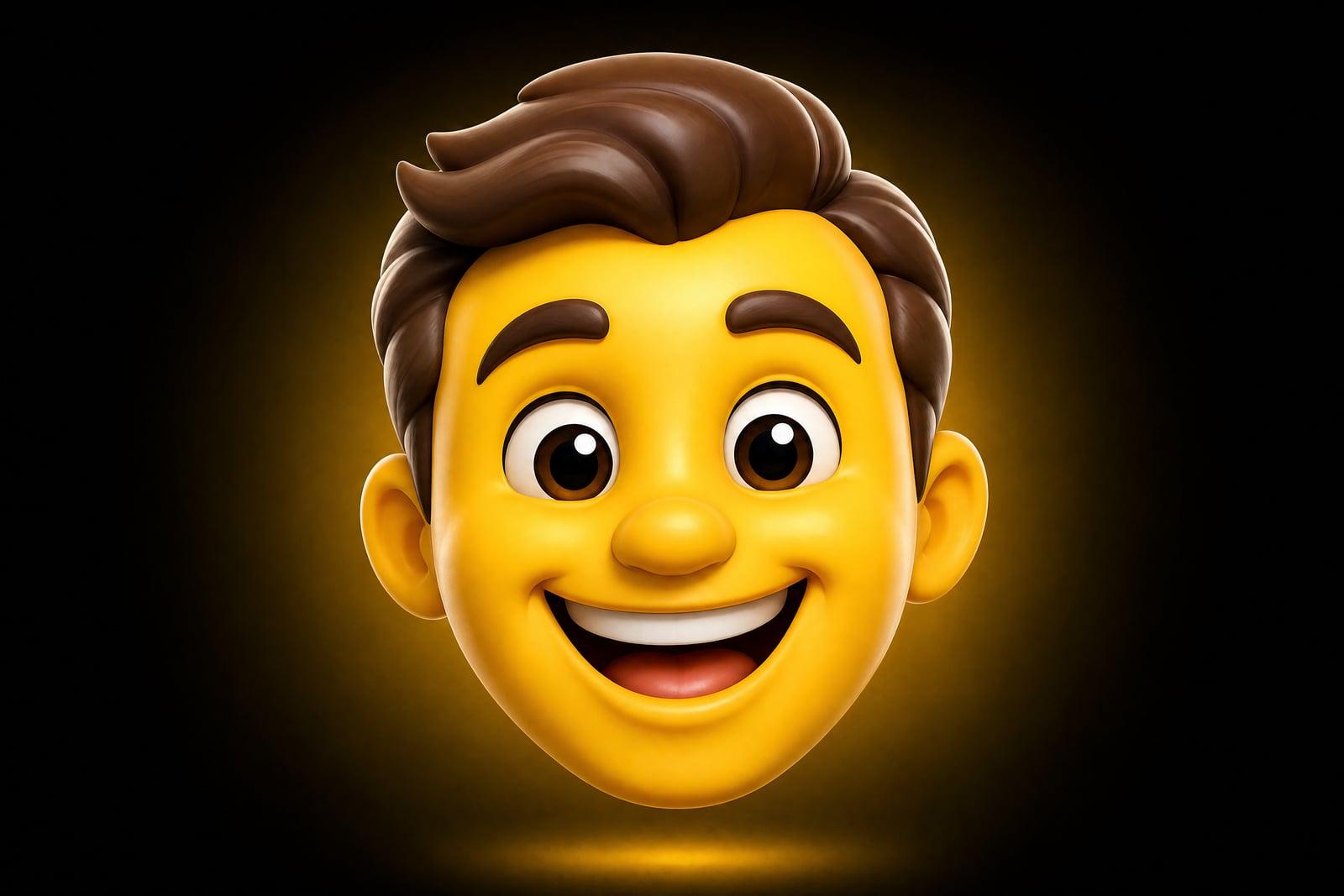
The Custom Emoji Maker turns one photo of your face into a glossy, chat-ready emoji. Upload a selfie, pick an expression such as laughing, crying, or side-eye, and generate. The result keeps your features recognizable while pushing them into the rounded, shiny look of the emoji keyboard. Download the square image and drop it straight into Slack, Discord, or your group chat.
What is the Custom Emoji Maker?
The Custom Emoji Maker is a photo tool that converts a face into emoji-style artwork. You upload one clear picture, choose the expression and finish you want, and generate. The output is a rounded, glossy character in the visual language of the standard emoji set, but based on your actual features. It arrives as a square image you can shrink for any chat platform without losing readability.
The hard part of a personal emoji is compression. A real face carries hundreds of small details, and an emoji has to say the same thing with a dozen shapes. Simplify too far and it could be anyone. Simplify too little and it looks like a photo filter. The tool balances that trade for you: it exaggerates the features that make you readable at 32 pixels and drops the ones that do not matter.
Custom Emoji Maker features
Your face, still yours
Friends should recognize the emoji before anyone explains it. The generator keeps your hair, glasses, beard, and face shape as the anchors of the design, so the tiny version still reads as you.
Expression picker
One selfie can become a whole reaction set. Ask for laughing, unimpressed, heart eyes, or full existential dread, and generate each as its own emoji from the same source photo.
That glossy keyboard finish
The output uses the rounded shapes, soft gradients, and shine of a native emoji rather than a cartoon avatar. Dropped into a message thread, it sits naturally next to the built-in set.
Private uploads
Your selfie is used to generate your emoji and lives in your private library, where you can delete it whenever you like. Nobody else sees the source photo, only the emoji you choose to share.
How to use the Custom Emoji Maker
- 1
Upload your photo
A front-facing selfie with even light works best. Keep your whole face in frame and skip sunglasses, since your eyes carry most of an emoji's expression.
- 2
Choose an expression
Start with a big, readable emotion like laughing or shocked. Subtle expressions are harder to read at chat size, so save the smirk for round two.
- 3
Generate
The emoji renders in moments. Check it at small size first, because an emoji that only works zoomed in is a sticker, not an emoji.
- 4
Download and upload to chat
Save the square image, then add it as a custom emoji in Slack or Discord. Regenerate other expressions from the same photo to build a full personal reaction pack.
Custom Emoji Maker details
| Best for | Teams and group chats that want personal reaction emoji. |
|---|---|
| Category | Fun & creative |
| Powered by | Nano Banana (Google) |
| Credits per image | 20 credits at 1K |
| Photos you upload | Your photo |
| Aspect ratios | 1:1 |
| Adjustable options | Emotion |
| Included in plans | Standard, Premium, Pro |
What people make with the Custom Emoji Maker
Slack team packs
A custom emoji of each teammate is the fastest culture upgrade a workspace can get. Reactions like your coworker's actual skeptical face carry more weight than the stock thinking emoji.
Discord servers
Server owners can turn mods and regulars into a matching emoji set. Members use them constantly, and new joiners learn faces faster when the reaction bar doubles as a roster.
Group chat inside jokes
The friend who always sends the same look deserves to become that look permanently. One selfie from the group album becomes the reaction image the rest of you will use for years.
Streamers and creators
Channel emotes based on your real expressions give subscribers something personal to spam in chat. Generate a set of moods from one photo session and keep the style consistent across the whole emote pack.
Custom Emoji Maker FAQ
How does the Custom Emoji Maker keep the emoji looking like me?
It treats your most identifying features, face shape, hair, glasses, facial hair, as fixed points and stylizes around them. The output is simplified the way all emoji are, but those anchors keep it recognizable. Results are strong but not perfect, so if one render misses, regenerating usually lands it.
What photo works best?
A sharp, front-facing photo with soft, even light and a plain background. Fill the frame with your face, avoid heavy shadows, and take off sunglasses. Group shots and extreme angles confuse the stylization, so crop to just you before uploading.
Can I make emoji of my pet or an object instead of a face?
Yes. The tool is happiest with faces, but a photo of your cat, your car, or your houseplant will come back as a glossy emoji too. Pet emoji are one of the most popular uses, and the same advice applies: clear subject, plain background, even light.
Will these work as Slack and Discord custom emoji?
Yes. The output is a square image you can downscale to each platform's upload requirements. Test the emoji at actual chat size before adding it, and prefer bold expressions over subtle ones, since detail disappears quickly at small sizes.
Is my selfie shared anywhere?
No. Your upload is used to generate your emoji, stored in your private library, and deletable by you at any time. The only people who ever see the result are the ones you send it to, which, if the emoji is good, will be everyone you know.
Related tools
Pricing
Choose the perfect plan to unlock more creativity with premium AI-powered image generation.
Standard
Perfect for creators and content makers
- 1,500 Credits per month
- High-quality AI image generation
- Text-to-image & image-to-image
- Premium templates library
- Priority support
Premium
For professionals and power creators
- 4,000 Credits per month
- Ultra high-quality generations
- Advanced AI models & styles
- Priority processing & support
- Commercial usage rights
Pro
Most advanced models for premium visuals
- 10,000 Credits per month
- All models incl. Nano Banana PRO
- All resolutions (1K, 2K & 4K)
- Premium-quality generation & smart edits
- Priority processing & support
Need more credits?
All plans include the option to purchase additional credit packs when you need extra generating power. Scale your creativity without limits.
Payments are securely processed by Stripe, our merchant of record. Subscriptions renew automatically at the listed price until you cancel; cancel anytime in your account settings. By continuing you agree to our Terms, Privacy Policy and Refund & Cancellation Policy. Need help? Contact support@nanobananai.ai.