Business & marketing
YouTube Banner Maker: channel art that fits every screen
Describe your channel and get wide banner art designed around the area every device displays.
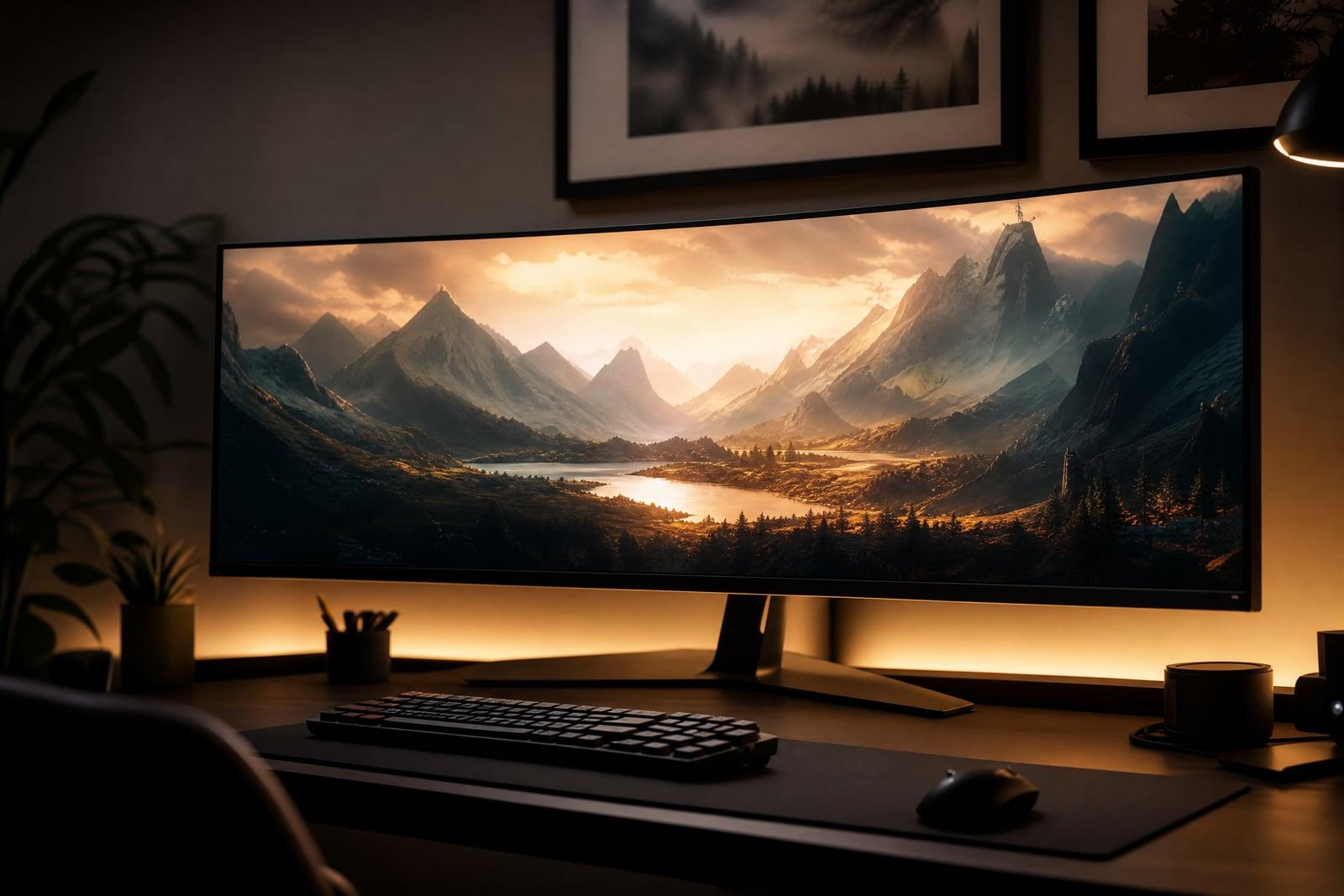
YouTube Banner Maker generates channel banner art from a description of your channel. No upload is needed: type your topic, your style, and the mood you want at the top of your page, then generate. The artwork is composed wide, with the important visual elements concentrated in the central zone that survives cropping on phones. A channel with real banner art reads as a channel worth subscribing to.
What is the YouTube Banner Maker?
YouTube Banner Maker is a text-to-banner tool for channel pages. You describe what the channel covers, retro game deep dives, weeknight cooking, drone travel films, and the atmosphere you want, then generate. The result is a wide, cinematic piece of channel art with a clear focal area, in a style that tells a first-time visitor what they are about to watch.
Channel banners have a design trap most creators hit once: the platform crops the same image differently on TV, desktop, and phone, and art that looked great on a monitor loses its subject entirely on mobile. The generator concentrates the key imagery in the central safe region, so the crop that ninety percent of visitors see still carries the design. You stop fighting the crop preview and start picking between good options.
YouTube Banner Maker features
Safe-area composition
The focal imagery sits in the central band that every device shows, so the phone crop keeps your subject instead of an empty corner of sky. Edges carry atmosphere, not information.
Topic-true art
A woodworking channel gets warm workshop texture; a horror channel gets fog and dread. Describe the niche honestly and the banner signals it before a single video plays.
Style range
Cinematic photography, bold flat illustration, painterly scenes, or neon-soaked gaming art. Rerun the same channel description across styles and compare which one fits your thumbnails.
Refresh per season
Creators who update banners for a new series or a subscriber milestone can regenerate in minutes, keeping the channel page as current as the latest upload.
How to use the YouTube Banner Maker
- 1
Describe your channel
State the niche, the mood, and any signature elements. Cozy cooking channel, warm kitchen light, fresh ingredients, is enough to start generating.
- 2
Pick a style direction
Choose photographic, illustrated, or stylized art. Match the energy of your thumbnails so the whole channel page feels like one brand.
- 3
Generate
Check the composition with the middle of the image in mind, since that band is what phones display. The subject should sit center, not at the edges.
- 4
Download and upload
Download the banner and set it in your channel customization page. Use the platform crop preview to confirm all three device views look intentional.
YouTube Banner Maker details
| Best for | Creators whose channel page still has the default grey banner. |
|---|---|
| Category | Business & marketing |
| Powered by | Nano Banana 2 (Google) |
| Credits per image | 40 credits at 1K |
| Photos you upload | None, this tool works from your text idea |
| Aspect ratios | 16:9 |
| Adjustable options | Channel name, Channel topic |
| Included in plans | Premium, Pro |
What people make with the YouTube Banner Maker
Gaming channels
A variety streamer can get moody, atmospheric banner art in their own visual identity instead of borrowing screenshots from the games they cover, which also avoids rights headaches.
Cooking and lifestyle
A home cook building a channel gets a warm, styled kitchen scene at the top of the page, the visual promise that the videos below are worth twenty minutes.
Education and tutorials
A coding or math tutor benefits from a clean, credible banner, since students judge whether a channel feels organized before trusting it with exam prep.
Podcast clip channels
A show repurposing episodes into video clips can carry its podcast identity onto the channel page, so listeners arriving from audio apps recognize the brand instantly.
YouTube Banner Maker FAQ
What does the YouTube Banner Maker actually generate?
Wide channel art composed for the banner slot at the top of a channel page, with the key imagery centered in the region all devices display. You describe the channel and style; it returns finished art to download and upload.
Why does my banner look different on my phone and TV?
The platform crops one image three ways: TVs see the widest view, phones see a narrow central strip. Banners fail when the subject sits outside that strip. Generated banners keep the focal art centered so every crop works.
Should the banner include my channel name?
Usually no, since your channel name and avatar already appear over the banner. A clean visual with your subject and mood tends to look more professional than repeating the name in the artwork.
Can I use the banner for a monetized channel?
Yes. Art you generate is yours to use commercially, monetized channels included. You can also reuse it across your other profiles to keep branding consistent.
How often should I refresh channel art?
When your content shifts or the banner stops matching your recent thumbnails. Since regenerating takes minutes, some creators refresh per series or per season, the way shows update key art.
Related tools
Pricing
Choose the perfect plan to unlock more creativity with premium AI-powered image generation.
Standard
Perfect for creators and content makers
- 1,500 Credits per month
- High-quality AI image generation
- Text-to-image & image-to-image
- Premium templates library
- Priority support
Premium
For professionals and power creators
- 4,000 Credits per month
- Ultra high-quality generations
- Advanced AI models & styles
- Priority processing & support
- Commercial usage rights
Pro
Most advanced models for premium visuals
- 10,000 Credits per month
- All models incl. Nano Banana PRO
- All resolutions (1K, 2K & 4K)
- Premium-quality generation & smart edits
- Priority processing & support
Need more credits?
All plans include the option to purchase additional credit packs when you need extra generating power. Scale your creativity without limits.
Payments are securely processed by Stripe, our merchant of record. Subscriptions renew automatically at the listed price until you cancel; cancel anytime in your account settings. By continuing you agree to our Terms, Privacy Policy and Refund & Cancellation Policy. Need help? Contact support@nanobananai.ai.