Photo fixes
AI Photo Relighting for photos shot in bad light
Rebuilds the lighting of a photo naturally, rescuing backlit faces and gloomy rooms.
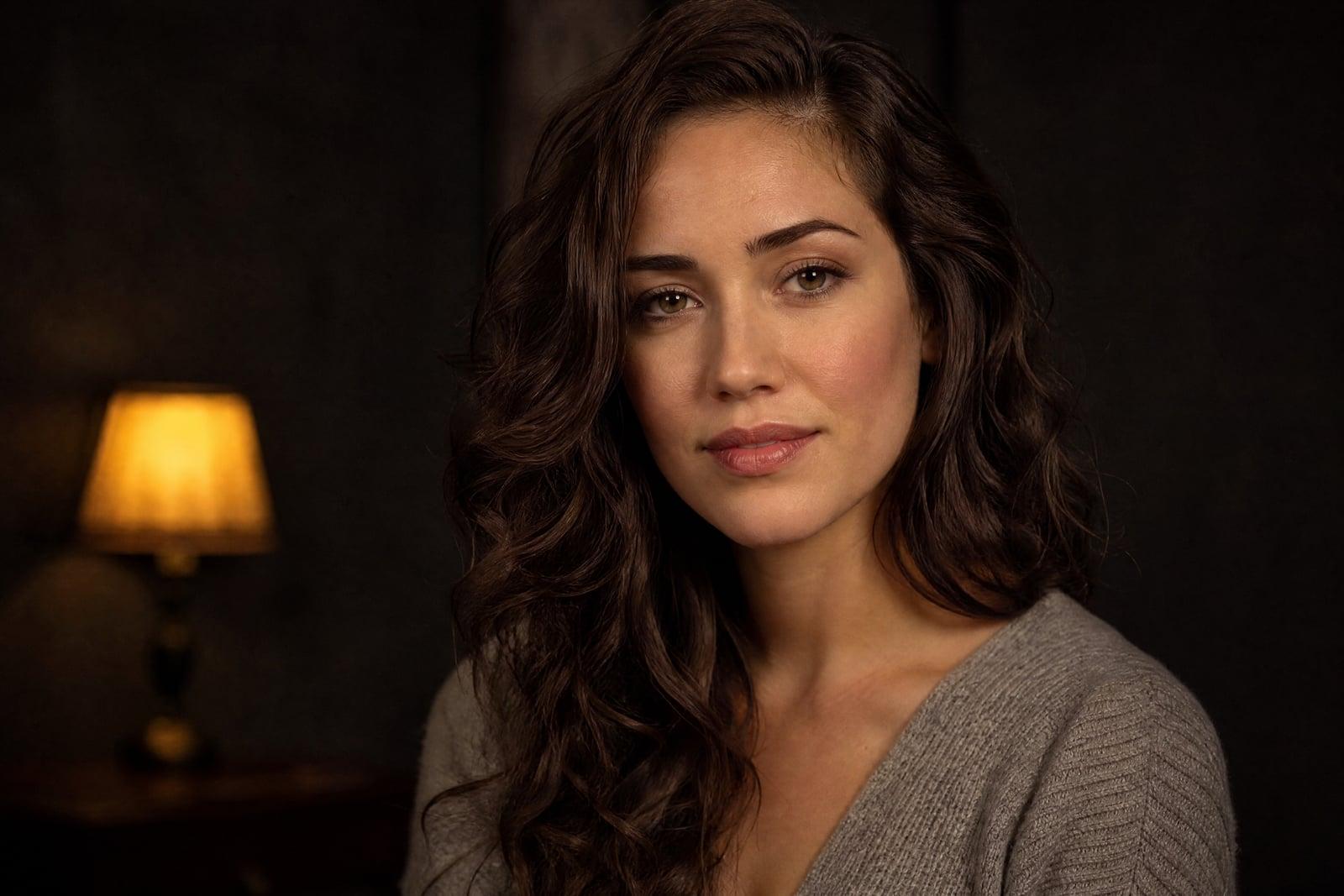
AI Photo Relighting rescues photos shot in bad light by rebuilding the lighting of the scene itself. Upload a backlit portrait, a gloomy interior, or a face carved up by harsh noon shadows, and generate. Rather than brightening everything evenly like an exposure slider, the tool adds believable light sources and rebalances shadows so the photo looks well shot in the first place.
What is the AI Photo Relighting?
AI Photo Relighting works from one upload. You add the badly lit photo, optionally describe the light you wish you had, soft window light, warm golden hour, even studio fill, and generate. The tool re-renders the illumination across the scene: faces gain flattering key light, backgrounds keep depth, and the murk lifts. The corrected photo saves to your library in about a minute.
Brightness sliders fail on bad light because the problem is direction, not quantity. A backlit face is dark while the sky behind it is blinding, and pushing exposure fixes one by ruining the other. Relighting instead models where light falls in the scene, brightening the face as if a reflector had been there while holding the window. That is a job editors do with masks and an hour, done here in one pass.
AI Photo Relighting features
Backlight rescue
Faces silhouetted against windows and sunsets get natural front light while the bright background stays intact. The classic ruined vacation portrait is precisely what this handles best.
Directable light
Describe the lighting you want, soft and warm from the left, moody evening lamp light, bright and even, and the relight follows. Leave it blank and the tool picks a natural correction.
Shadow softening
Harsh noon sun and bare on-camera flash carve unflattering shadows under eyes and noses. Relighting fills them the way a diffuser would have, keeping faces dimensional rather than flattened.
Scene-wide consistency
The new light lands coherently across subject and background together, with shadows falling on the correct sides. Nothing gets the pasted-in glow of a simple brightness mask.
How to use the AI Photo Relighting
- 1
Upload the badly lit photo
Backlit shots, dim rooms, harsh shadows, and mixed light sources are all fair game. Sharper photos relight more cleanly than blurry ones.
- 2
Describe the light you want
Optional but powerful: soft window light from the right, or warm golden hour glow. Without a description, the tool applies a natural balanced correction.
- 3
Generate
The scene is re-lit as a whole, with shadows and highlights recalculated together. Results appear in your library within a minute.
- 4
Try another mood
The same photo can be relit several ways. Run a bright airy version and a warm evening version, then keep the one that fits the use.
AI Photo Relighting details
| Best for | People whose best photos were shot in the worst light. |
|---|---|
| Category | Photo fixes |
| Powered by | Nano Banana (Google) |
| Credits per image | 20 credits at 1K |
| Photos you upload | Your photo |
| Aspect ratios | Follows the input image |
| Adjustable options | New lighting |
| Included in plans | Standard, Premium, Pro |
What people make with the AI Photo Relighting
Backlit portraits
Someone posed you against the sunset and your face came out black. Relighting recovers the person while keeping the sky that motivated the photo in the first place.
Indoor gatherings
Birthday dinners and holiday mornings happen in dim living rooms under one orange ceiling bulb. Relighting turns those murky frames into photos that look like the memory feels.
Rental and listing photos
Hosts and agents shoot rooms at whatever hour they can access them. Relighting brings a north-facing bedroom the bright, even daylight that gets clicks on a listing.
Profile photo salvage
The photo where you look great has terrible light, and the well-lit one caught a weird expression. Relighting the good expression resolves the oldest dilemma in profile pictures.
AI Photo Relighting FAQ
How is AI Photo Relighting different from just brightening a photo?
Brightening raises everything equally, so a backlit photo turns into a washed-out backlit photo. Relighting changes where light falls: it adds a believable key light on the subject, rebalances shadows directionally, and preserves highlights. The result looks shot in better light, not edited brighter.
Can I choose the direction and mood of the new light?
Yes. Describe it in plain words when you generate: soft daylight from a window on the left, warm sunset from behind, clean even studio light. Specific descriptions of direction and warmth steer results more reliably than mood words alone.
Does relighting change how people look?
Faces keep their features and stay recognizable. Lighting itself changes appearance, of course, the same face reads differently under soft window light than under noon sun, but that is the point of the tool, and no facial features are altered.
Will it fix an almost completely dark photo?
It recovers a surprising amount from dim shots, but pitch-black areas hold no detail to relight, and severe noise limits the rebuild. For very dark photos, expect a solid improvement rather than a miracle, and try a regenerate or a crop if the first pass falls short.
What photos benefit the most?
Backlit portraits, single-bulb interiors, harsh flash shots, and faces striped by hard shadows see the most dramatic change. Photos that are already evenly lit change little, since there is not much for the tool to correct.
Related tools
Pricing
Choose the perfect plan to unlock more creativity with premium AI-powered image generation.
Standard
Perfect for creators and content makers
- 1,500 Credits per month
- High-quality AI image generation
- Text-to-image & image-to-image
- Premium templates library
- Priority support
Premium
For professionals and power creators
- 4,000 Credits per month
- Ultra high-quality generations
- Advanced AI models & styles
- Priority processing & support
- Commercial usage rights
Pro
Most advanced models for premium visuals
- 10,000 Credits per month
- All models incl. Nano Banana PRO
- All resolutions (1K, 2K & 4K)
- Premium-quality generation & smart edits
- Priority processing & support
Need more credits?
All plans include the option to purchase additional credit packs when you need extra generating power. Scale your creativity without limits.
Payments are securely processed by Stripe, our merchant of record. Subscriptions renew automatically at the listed price until you cancel; cancel anytime in your account settings. By continuing you agree to our Terms, Privacy Policy and Refund & Cancellation Policy. Need help? Contact support@nanobananai.ai.